Genie
Book a demo

AI prompts for game art

Genie
By Avia Shavit, Product Lead, Genie LabsLast updated

31 prompts the Genie team uses for real game art production: characters, LiveOps reskins, icon and card sets, offers, store and CRM art, localization and social. Each one comes with what to fill in, when to use it in a live game, what breaks, and how to fix it. Copy the prompt, or run it in Genie with your own characters and styles.

All prompts · 31
A 3x3 turnaround grid showing the same game character from nine angles
CharactersAsset turnaroundA 3x3 turnaround sheet from one front view, before 3D or outsourcing.
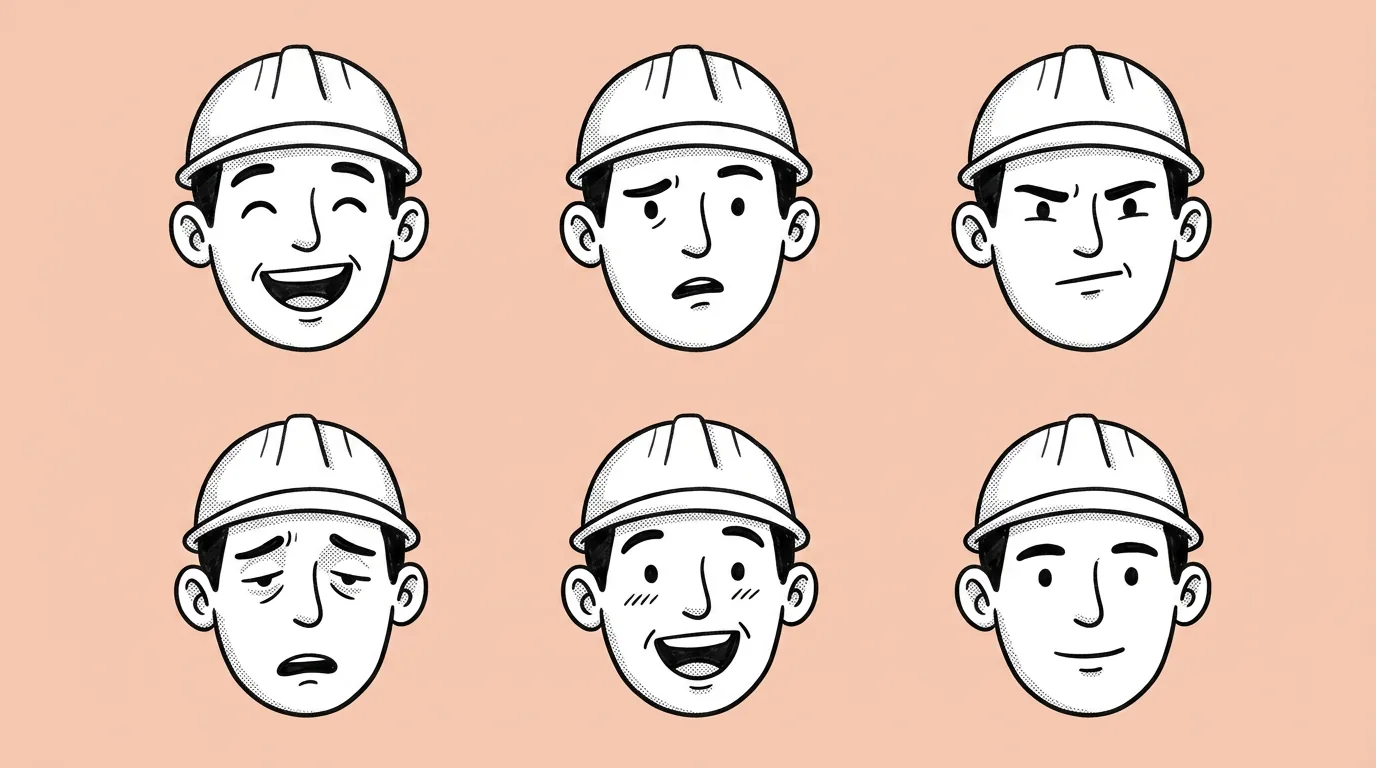
A 3x3 grid of close-ups of one game character showing nine different emotions
CharactersCharacter expressionsNine emotions in one sheet for dialogue, emotes and win screens.
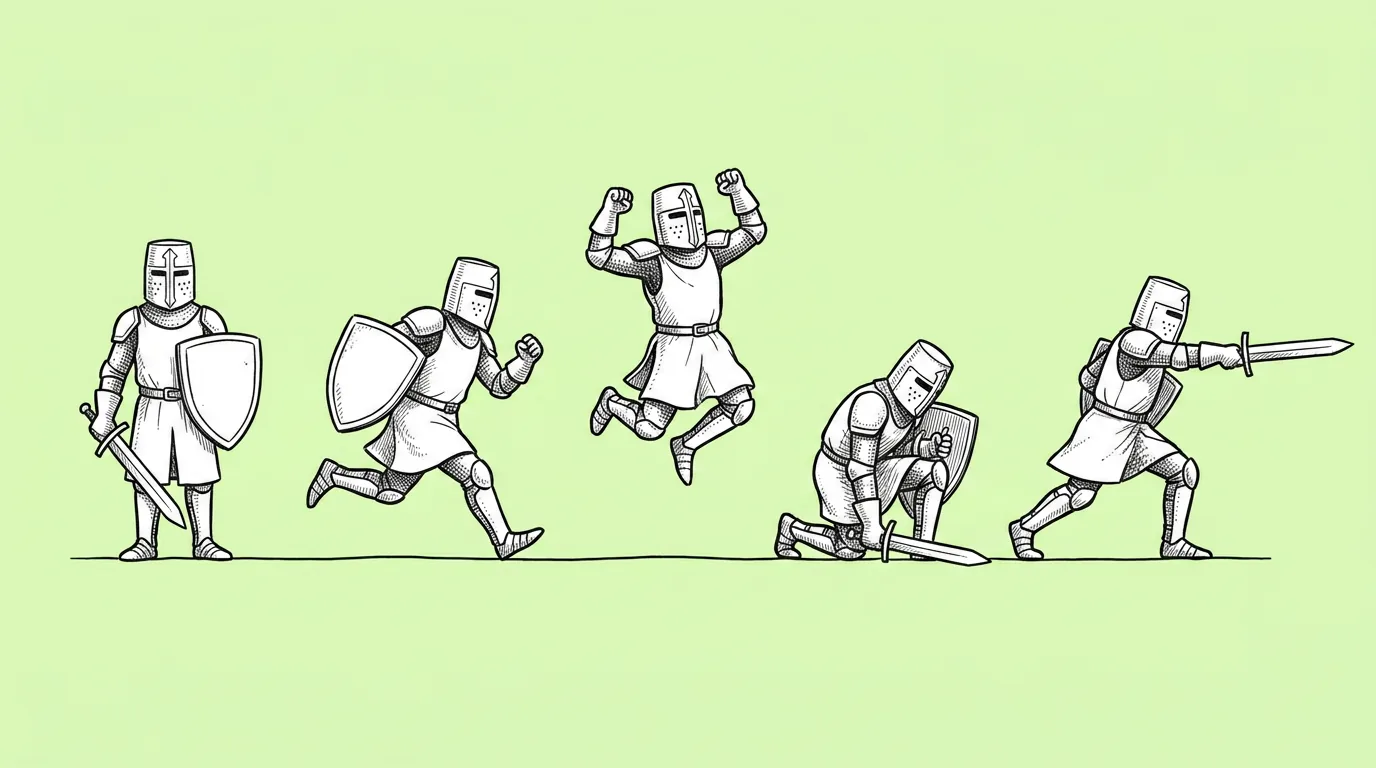
The same game character shown in several different poses on plain gray backgrounds
CharactersCharacter poses setA batch of on-model poses for stickers, marketing and the character's dataset.
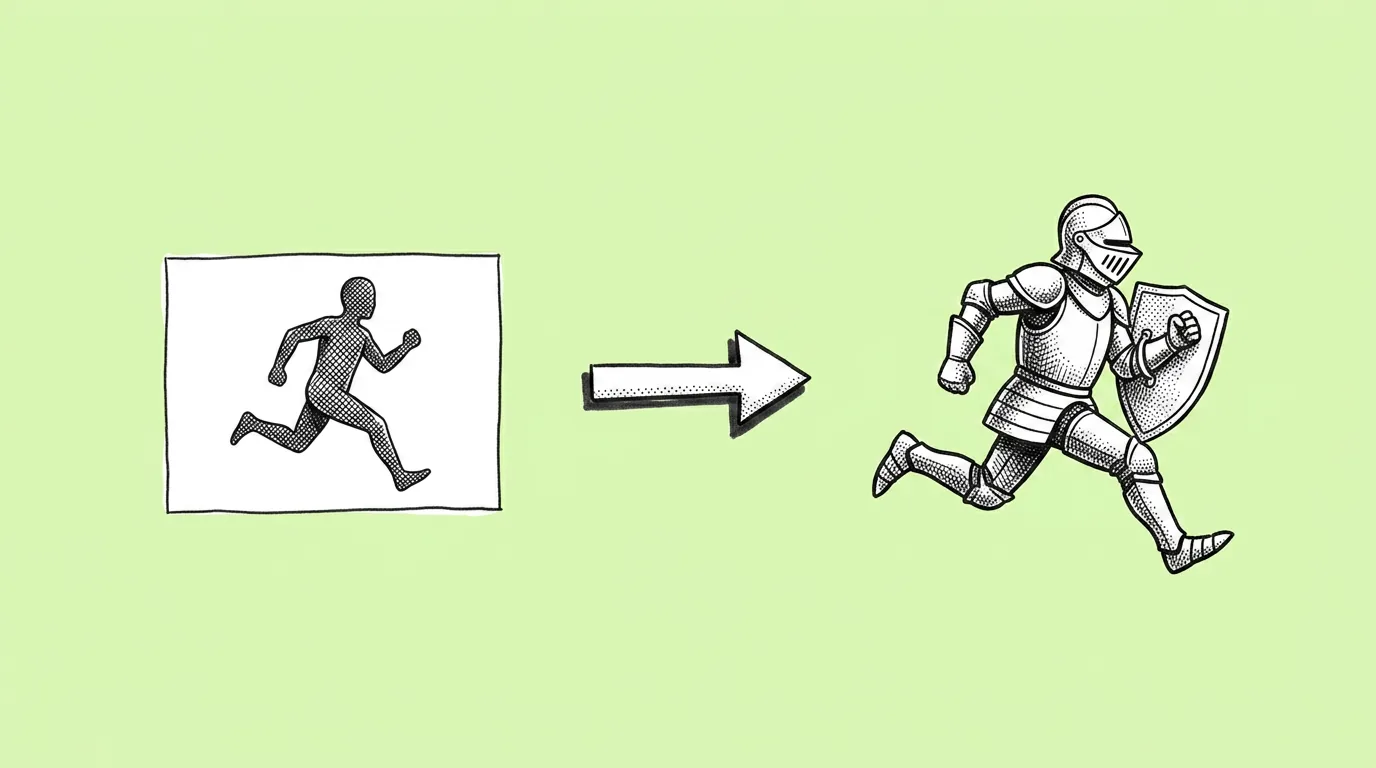
A pose reference image next to a game character recreated in the same pose
CharactersPose referencePut your character in the exact pose from a photo or sketch.
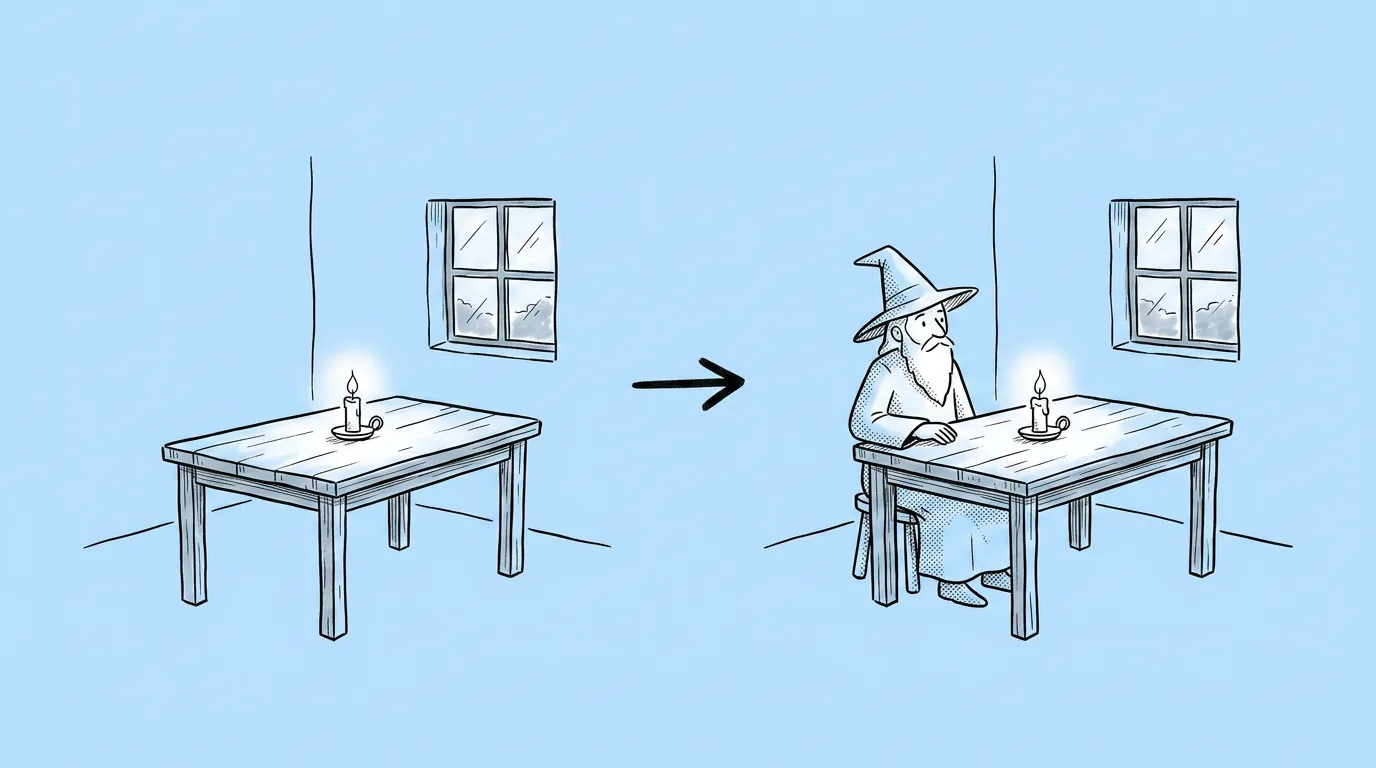
A game character added into an existing background scene with matching lighting
CharactersAdd character to sceneDrop a hero into existing art, lit like the scene.
Two game characters interacting in one scene, each on-model
CharactersMulti-character sceneTwo or more cast members in one image, each still themselves.
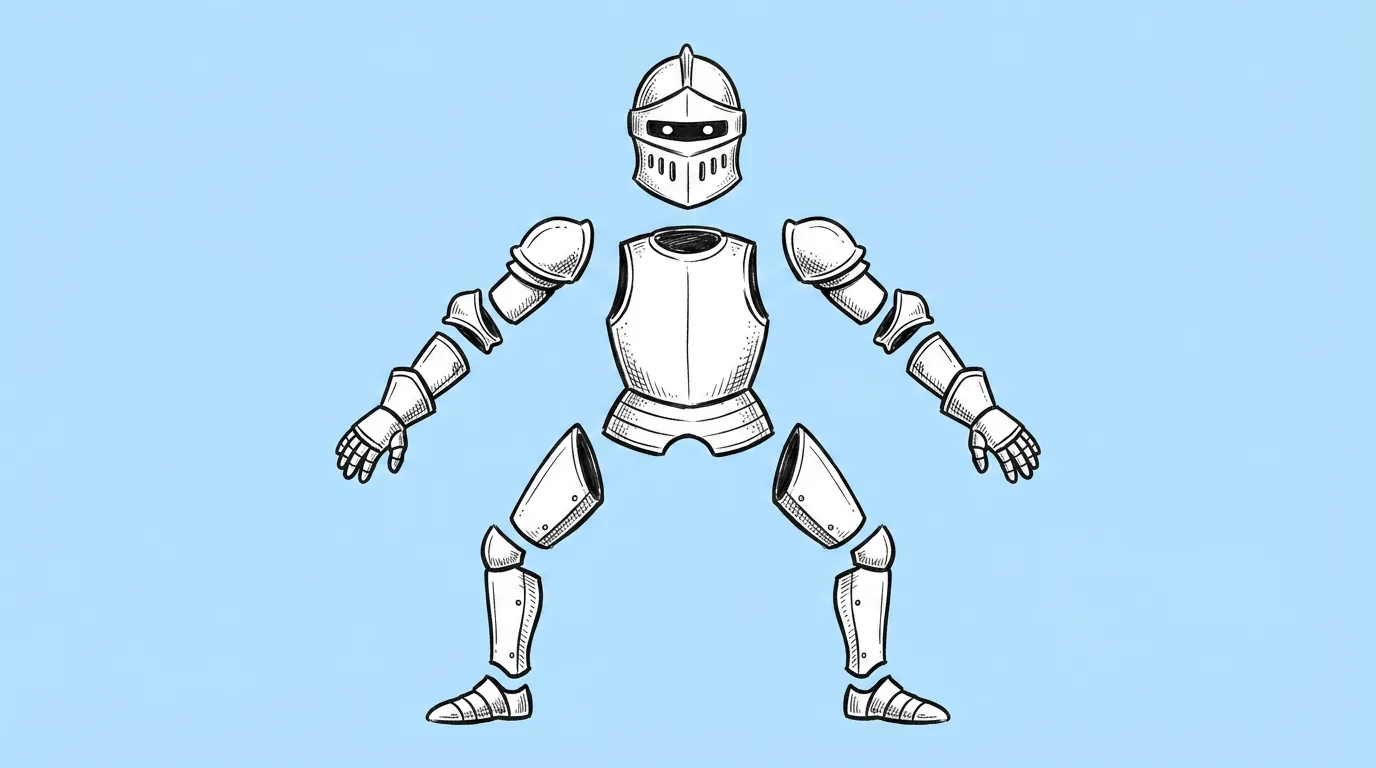
A 2D game character separated into head, torso, arms, hands and legs on one sheet
CharactersCharacter rig breakdownA parts sheet for 2D skeletal animation.
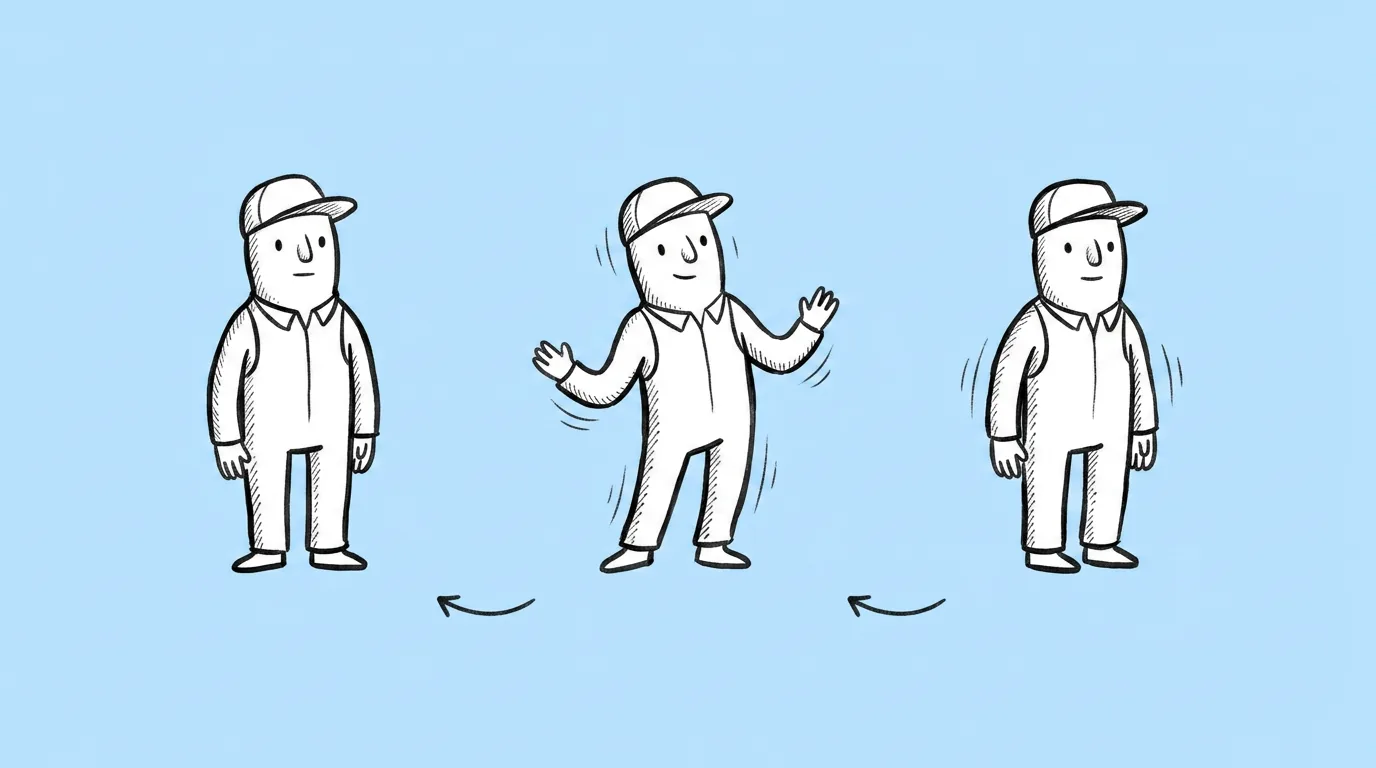
A still frame from a looping idle animation of a game character
CharactersCharacter idle animationA short looping idle for lobbies and store pages.
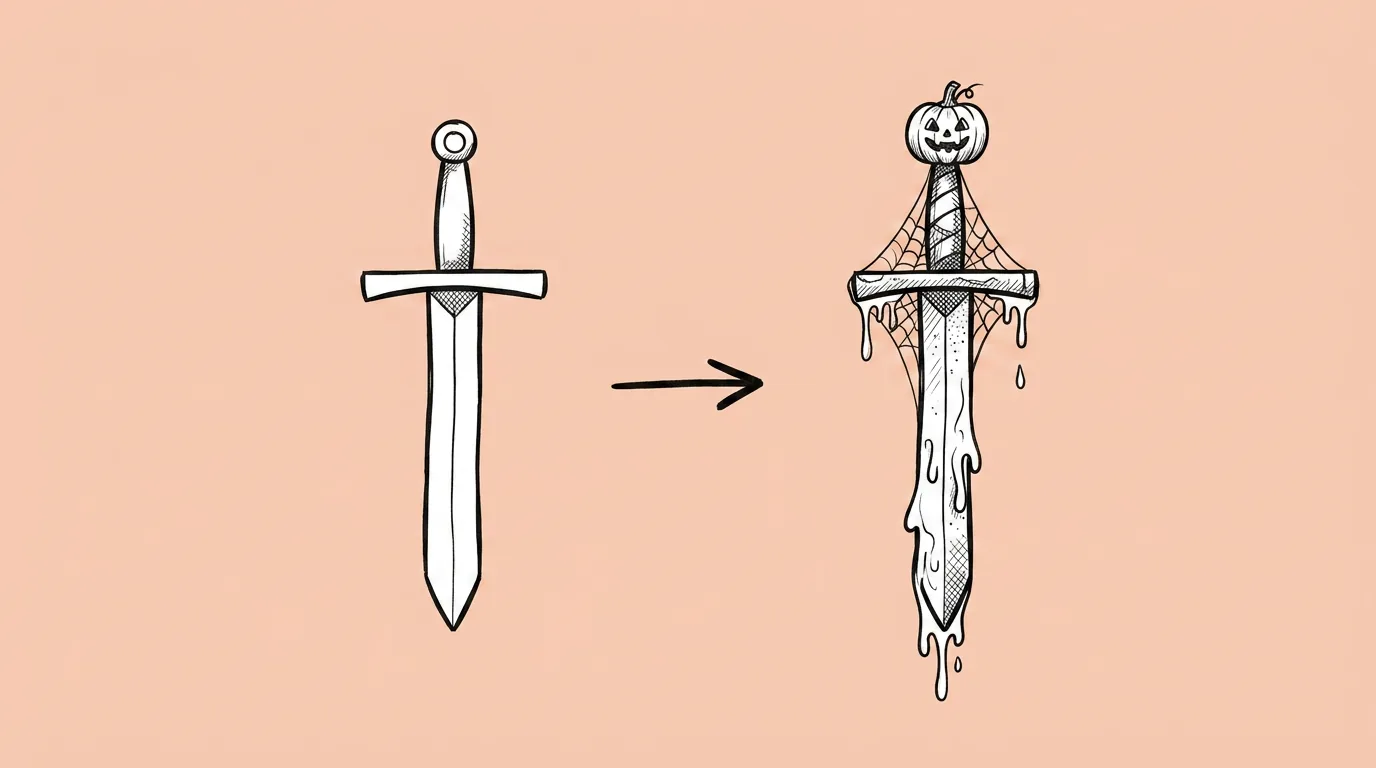
A game asset next to its Halloween-themed reskin
LiveOps and seasonalSeasonal reskinThemed versions of buildings, items, UI and characters, still recognizable.
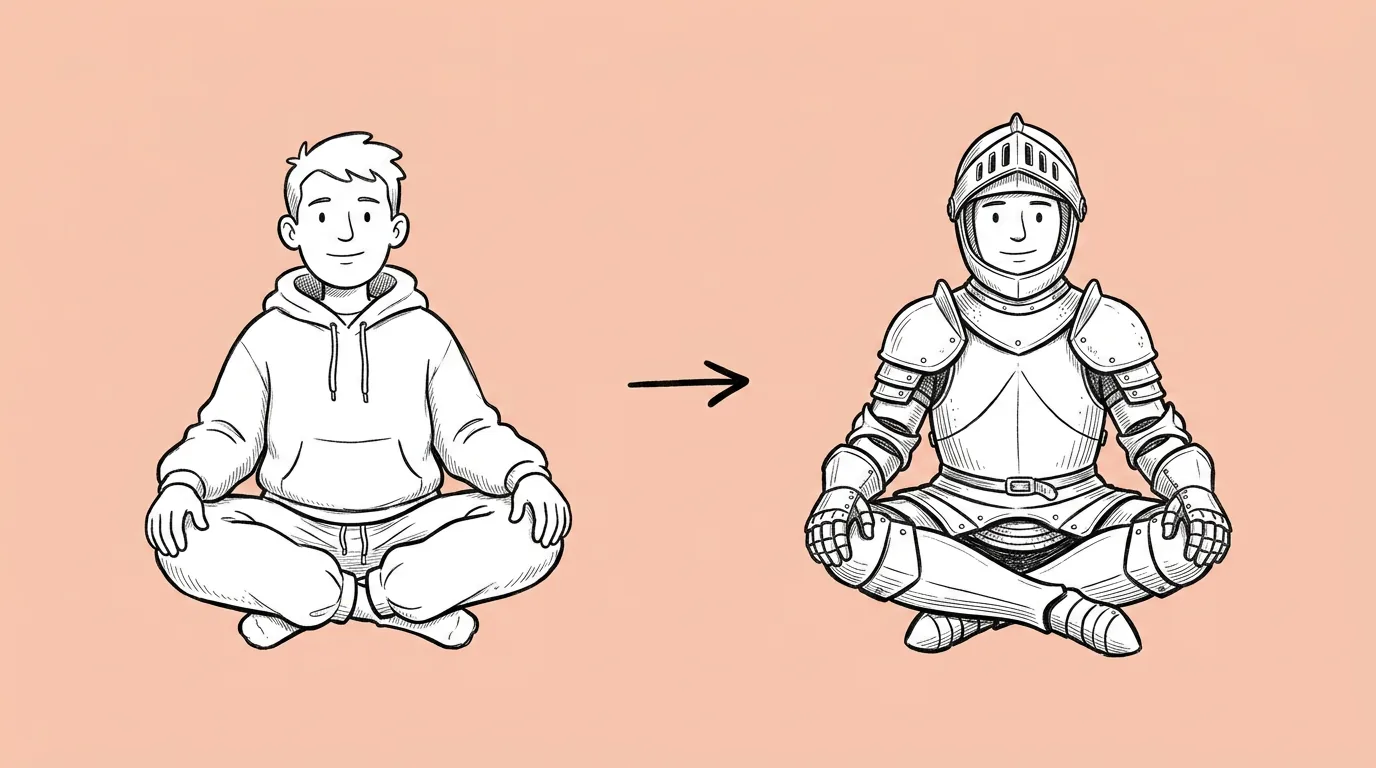
The same game character in the same pose, shown in its original outfit and a new outfit
LiveOps and seasonalOutfit changeA new costume on your character, same pose and face.
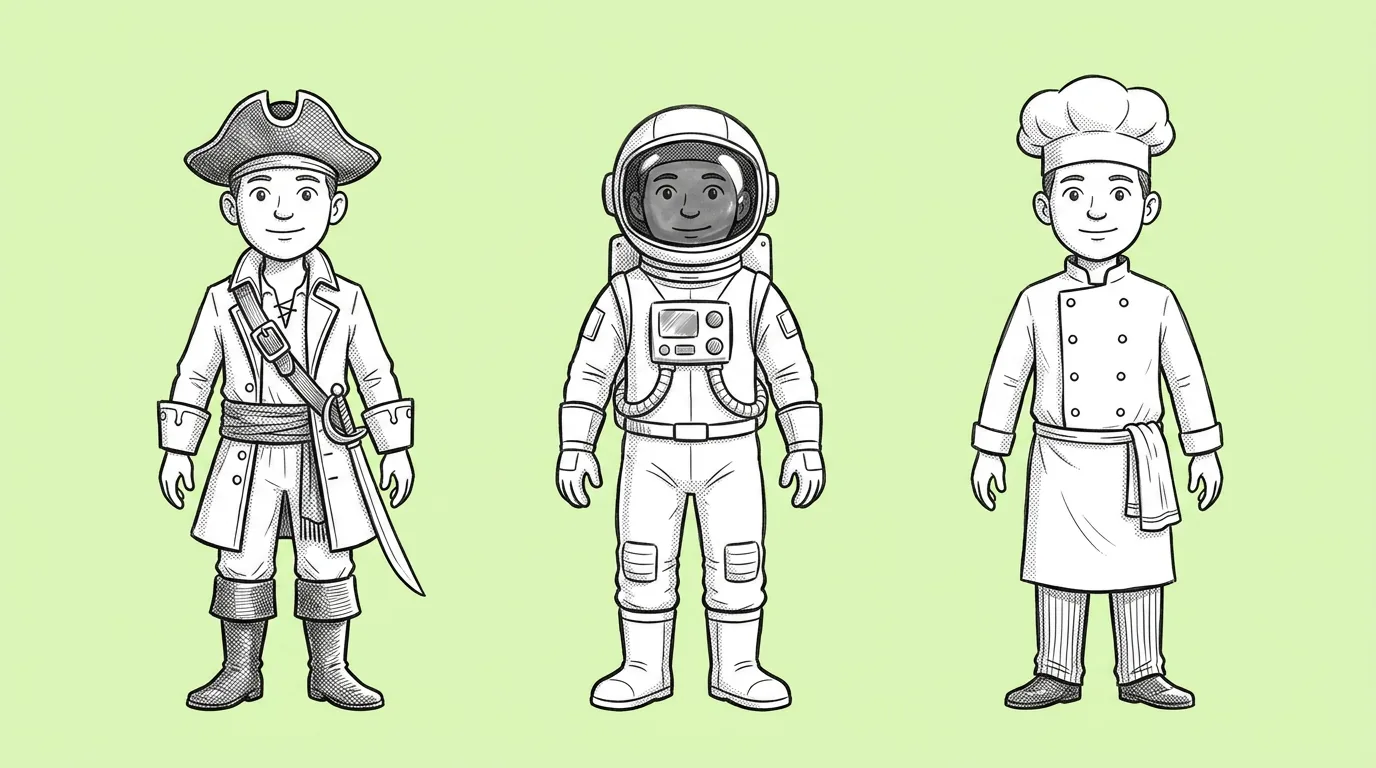
Several outfit concepts for the same game character side by side
LiveOps and seasonalOutfits conceptingSeveral skin directions for one review.
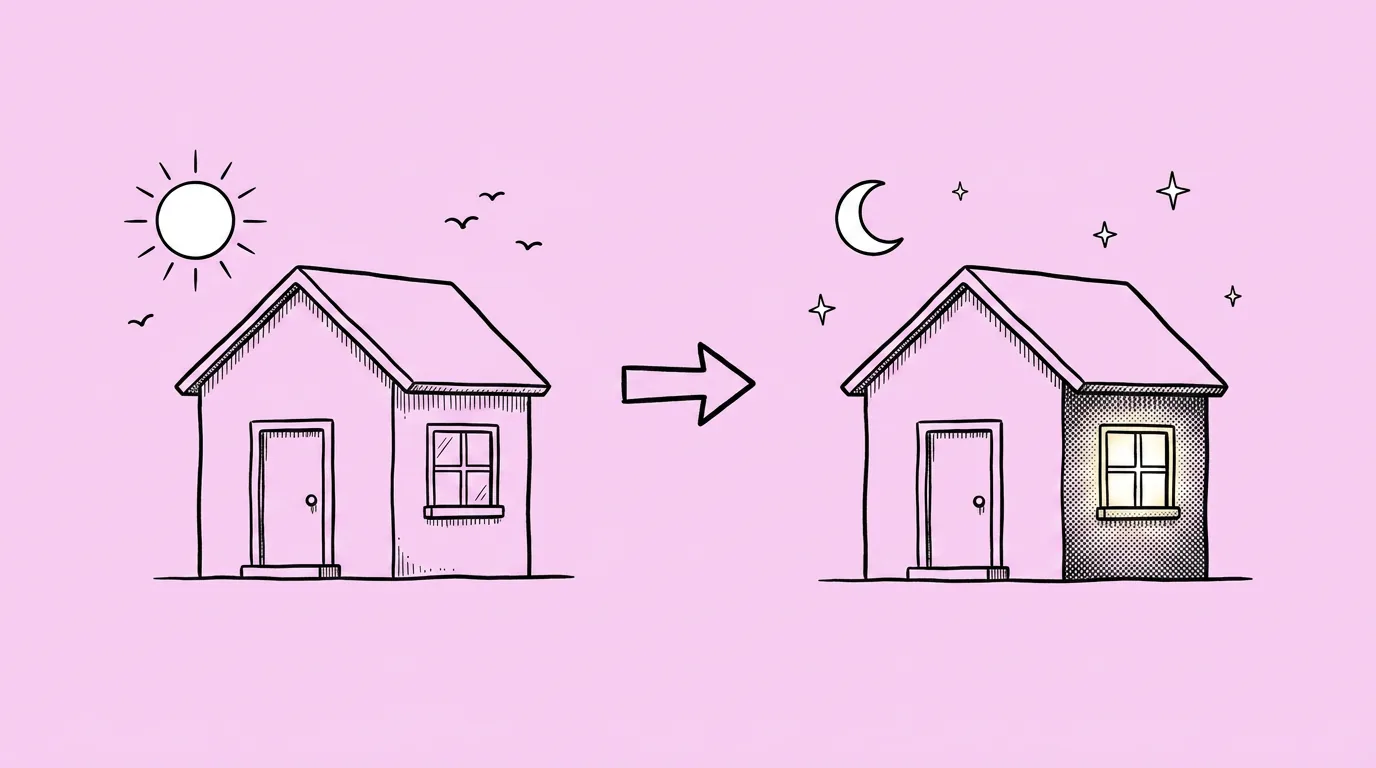
The same game scene shown in daylight and in night lighting
LiveOps and seasonalLighting changeNight, golden hour or dramatic light, without repainting.
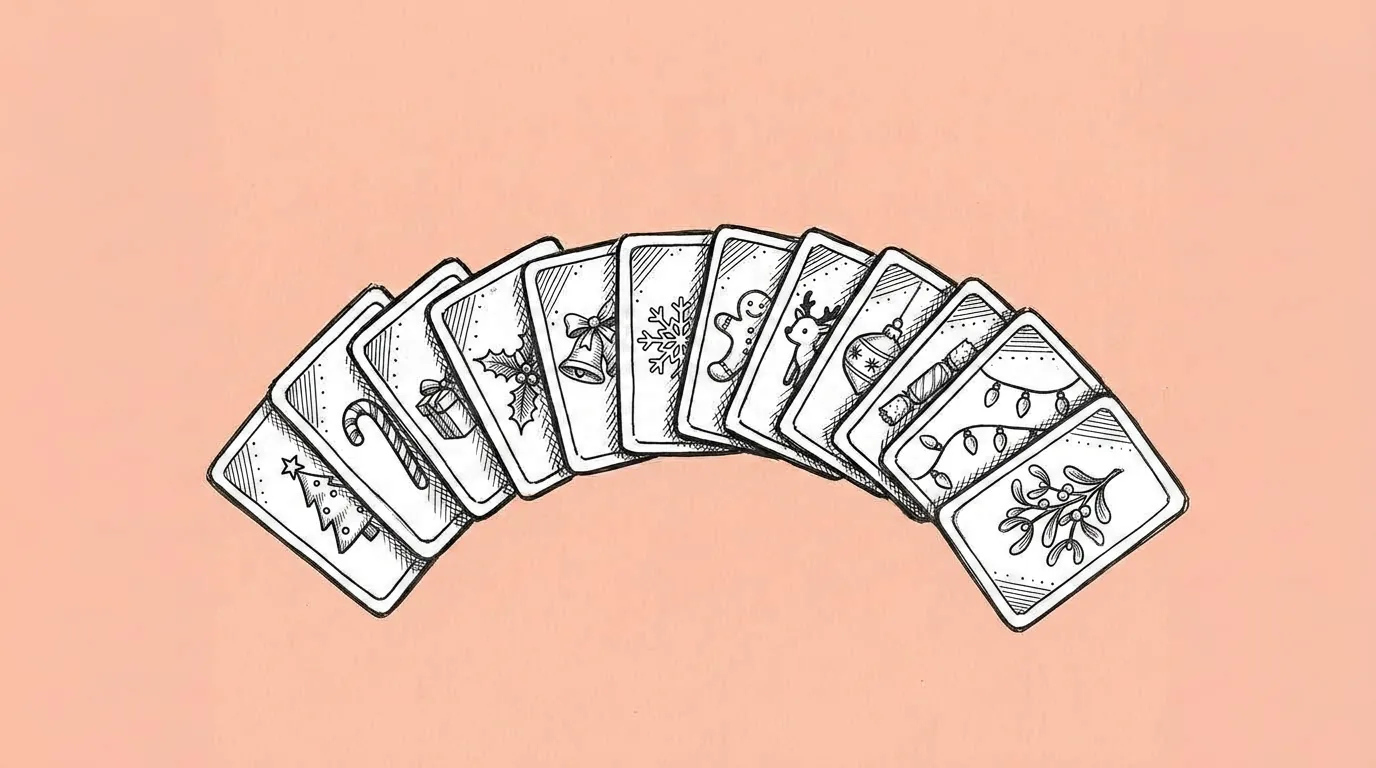
A set of collectible game cards sharing one theme, palette and atmosphere
Asset setsThemed card setA full collectible album with one theme and one look.
A set of game item icons in one consistent style on plain gray backgrounds
Asset setsIcon setInventory, shop and event icons that read as one set.
A pack of game assets, including characters, a logo, a background and icons, in one shared style
Asset setsArt packThe whole event kit (characters, logo, background, icons) at once.
A game item shown across several upgrade tiers
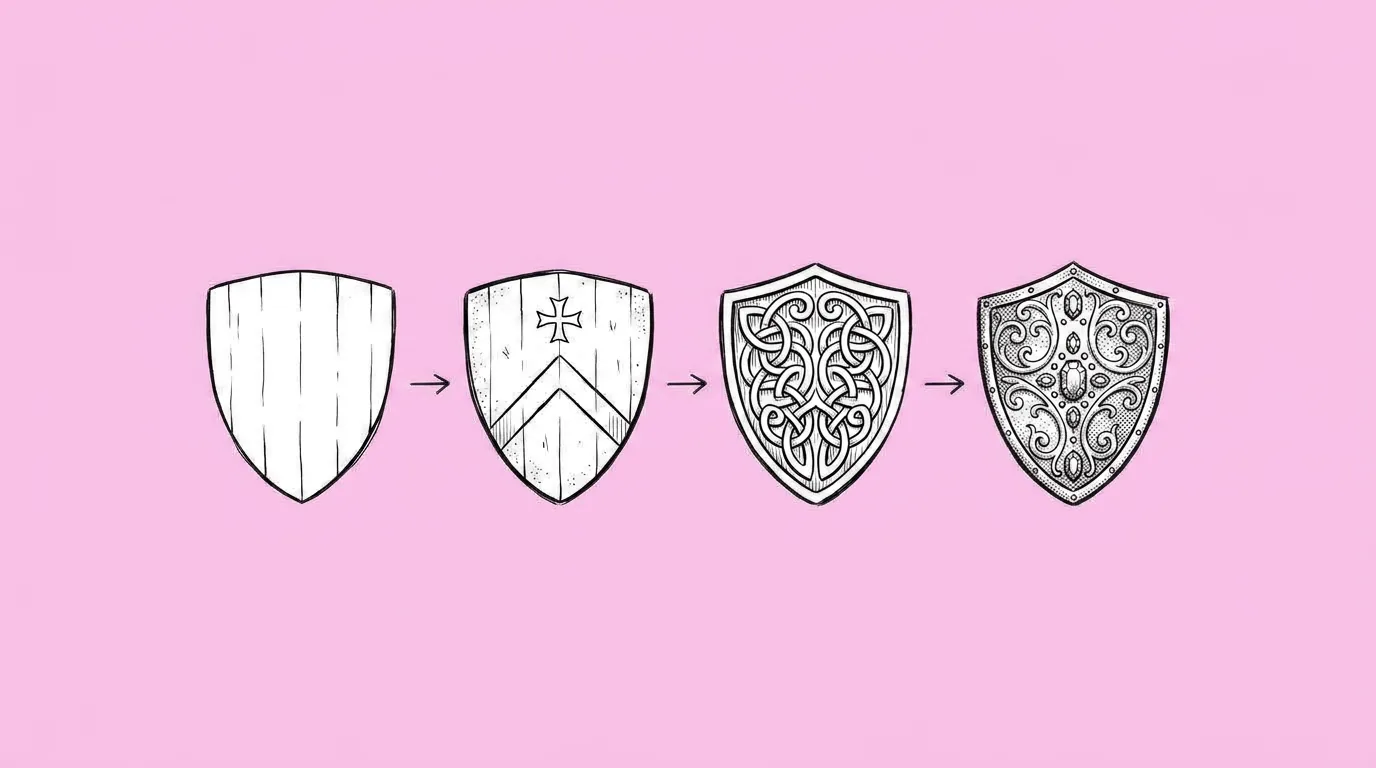
Asset setsProgressionUpgrade tiers, evolutions and damage states, from scratch or from a live asset.
A detailed game object next to its simplified, flat icon version
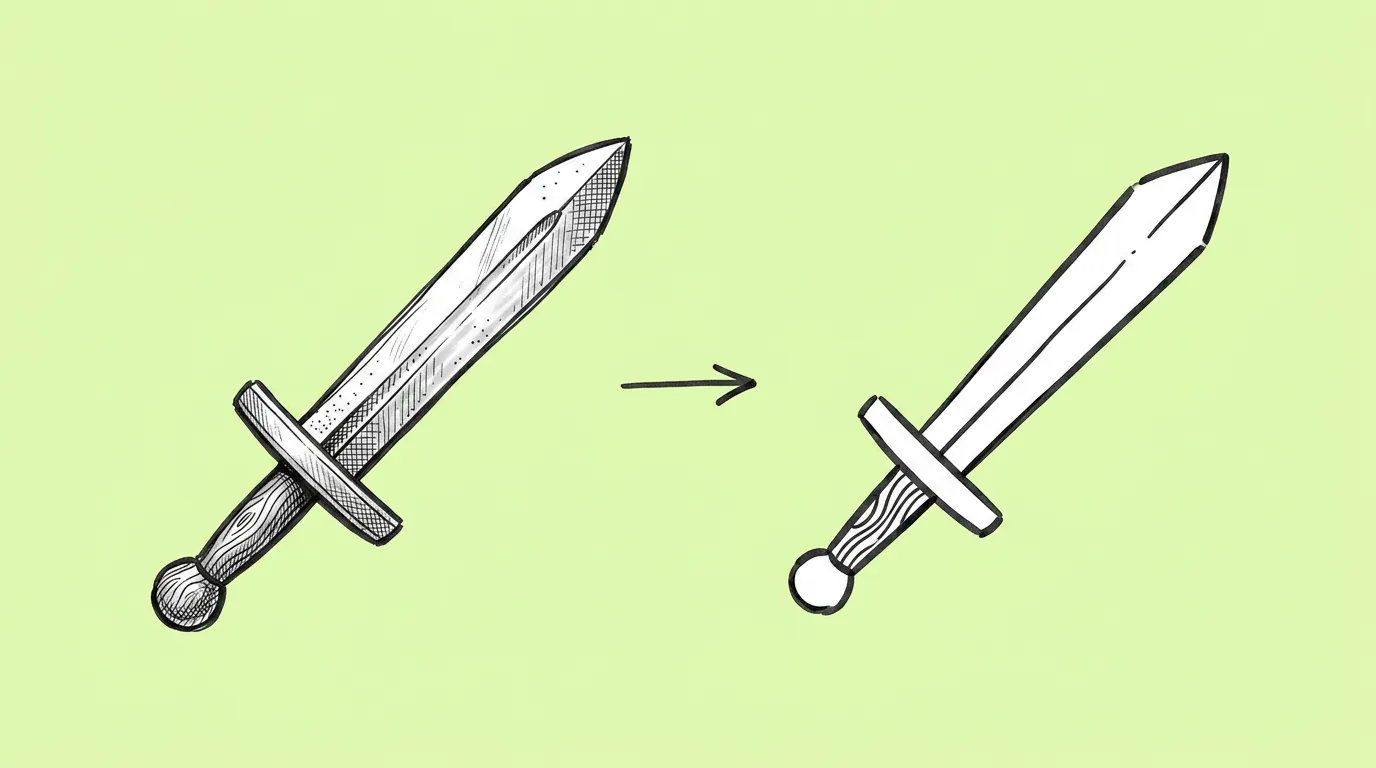
Asset setsIconify an assetTurn a detailed render into an icon that reads small.
A rough pencil sketch of a game asset next to the finished rendered version
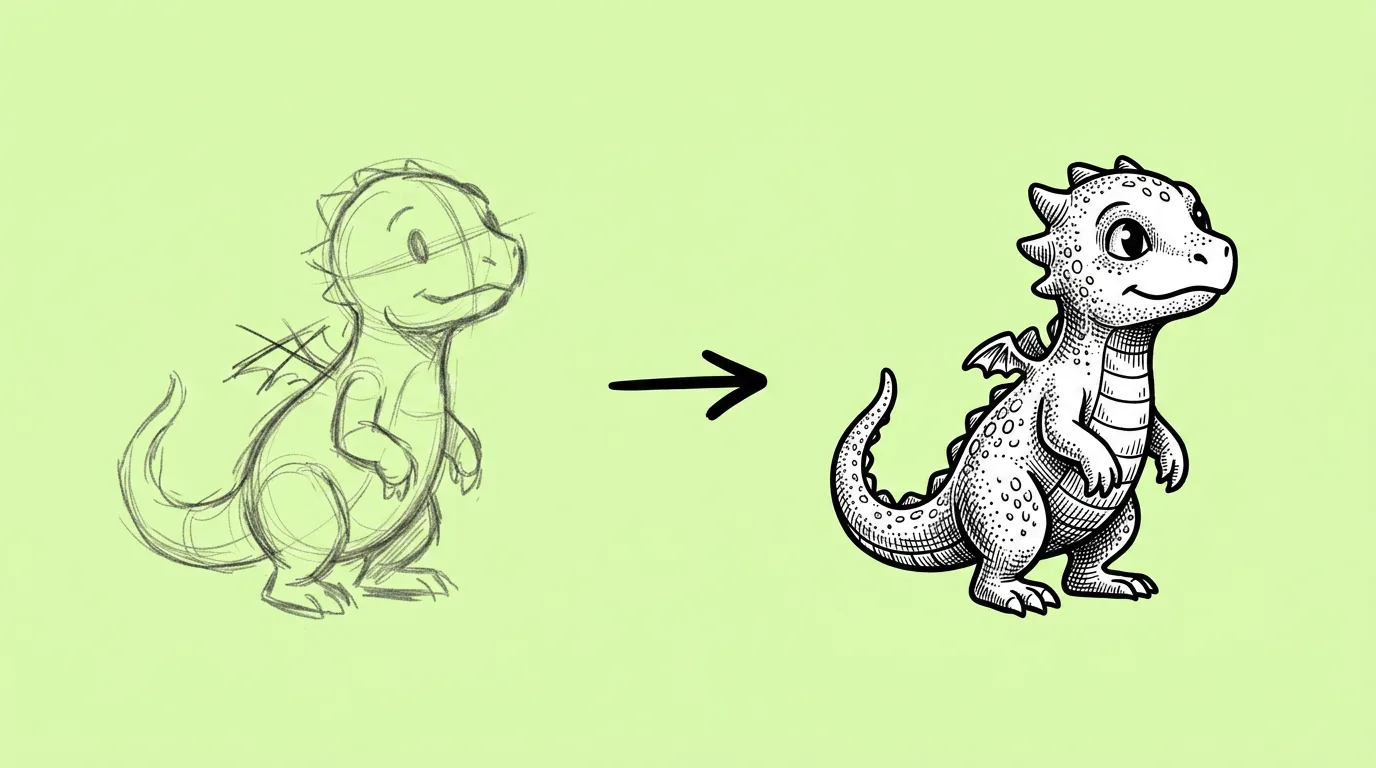
Concept and styleSketch to renderAn approved sketch, finished in your game's style.
Several background concept options for a game scene in one theme
Concept and styleBackground conceptingSeveral directions for a level, map or lobby, with room for UI.
A mood board image next to a new game asset created in its colors and atmosphere
Concept and styleStyle referenceBorrow the palette, light and texture of any image, without copying it.
In-game coins and gems added to an offer image, lit to match the scene
Offers and monetizationAdd currencies to imageYour coins and gems in offer art, on-model and lit like the scene.
A pile of in-game coins and gems shown from an isometric angle
Offers and monetizationPile of currenciesSmall, medium and large packs from one prompt.
The same game asset shown in several different materials side by side
Offers and monetizationMaterial variantsOne item in wood, silver, gold or any rarity material.
One game image shown with its text translated into several languages
Store, CRM and localizationMulti-language localizationOne image in 5 to 15 languages, or with your approved translations.
One game ad creative shown with several different headline variants
Store, CRM and localizationText editingUp to 10 copy variants of one creative for A/B tests and late fixes.
A game social media announcement post with a headline and a character
Social and marketingAnnouncement postAn update, event or sale post with your characters and a readable headline.
One game creative recomposed into several platform formats
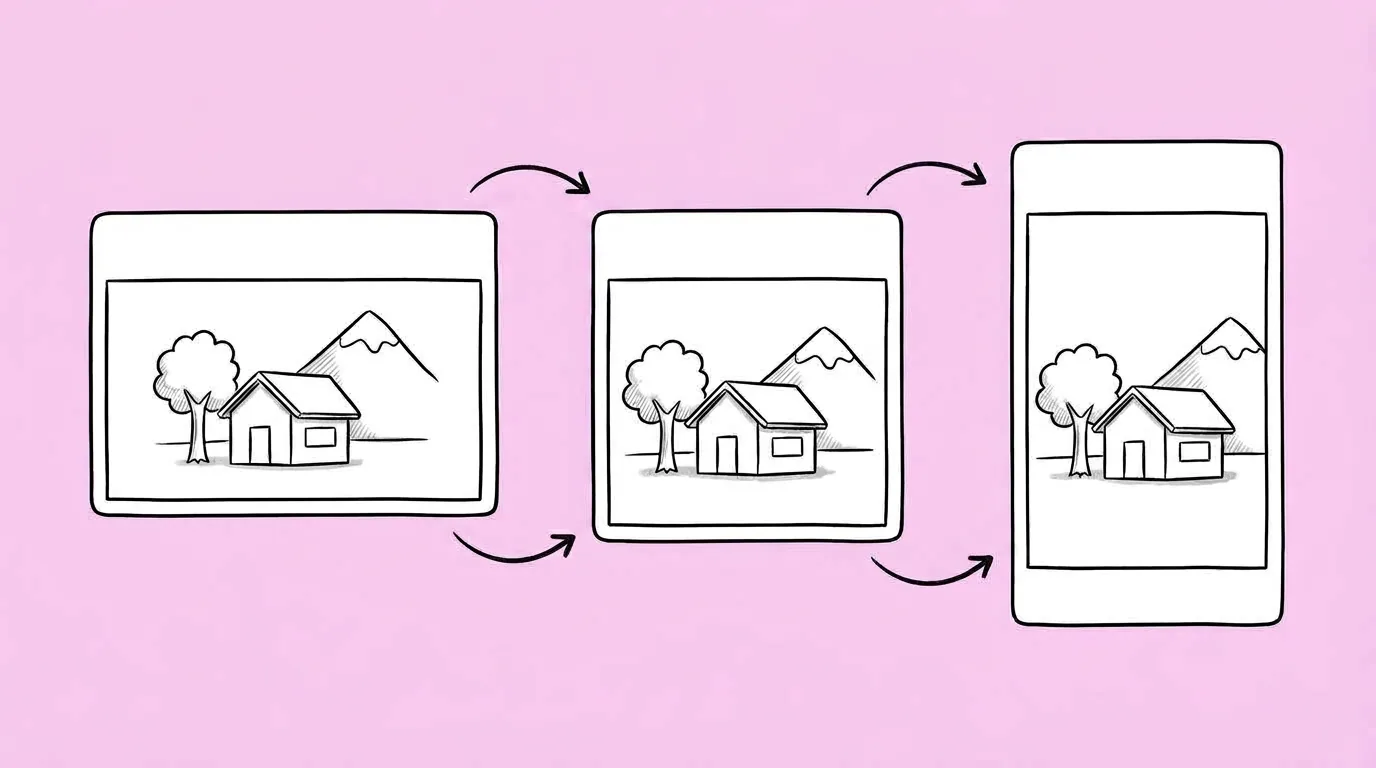
Social and marketingResize for every platformFeed, stories, banners and store placements from one creative, or a 4K upscale.
The same game asset generated by several AI image models side by side
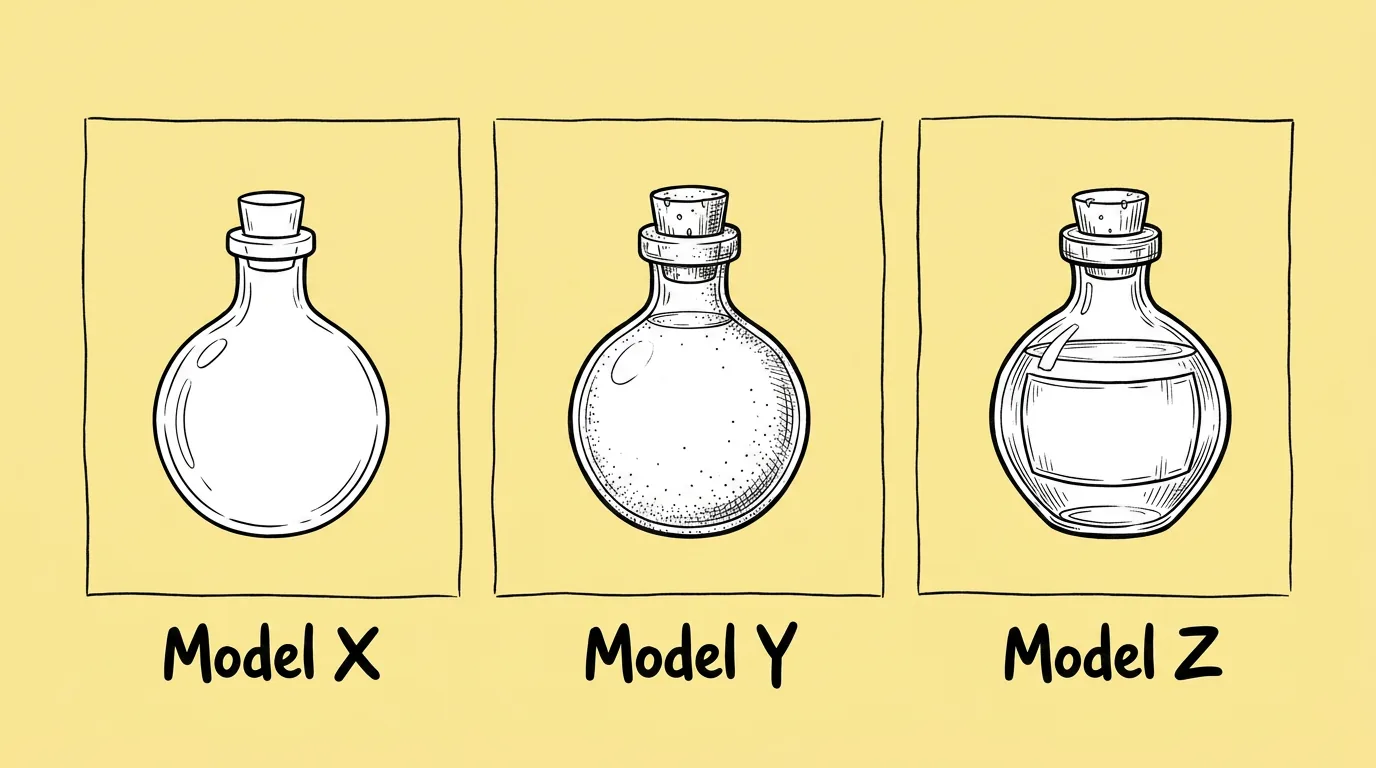
Editing and modelsCompare image modelsThe same prompt on several models, side by side, plus how to see which models are available.
A game asset shown in its original color and recolored versions
Editing and modelsRecolorNew colors for part or all of an asset, shape and shading kept.
The same game scene shown from its original angle and from a new camera angle
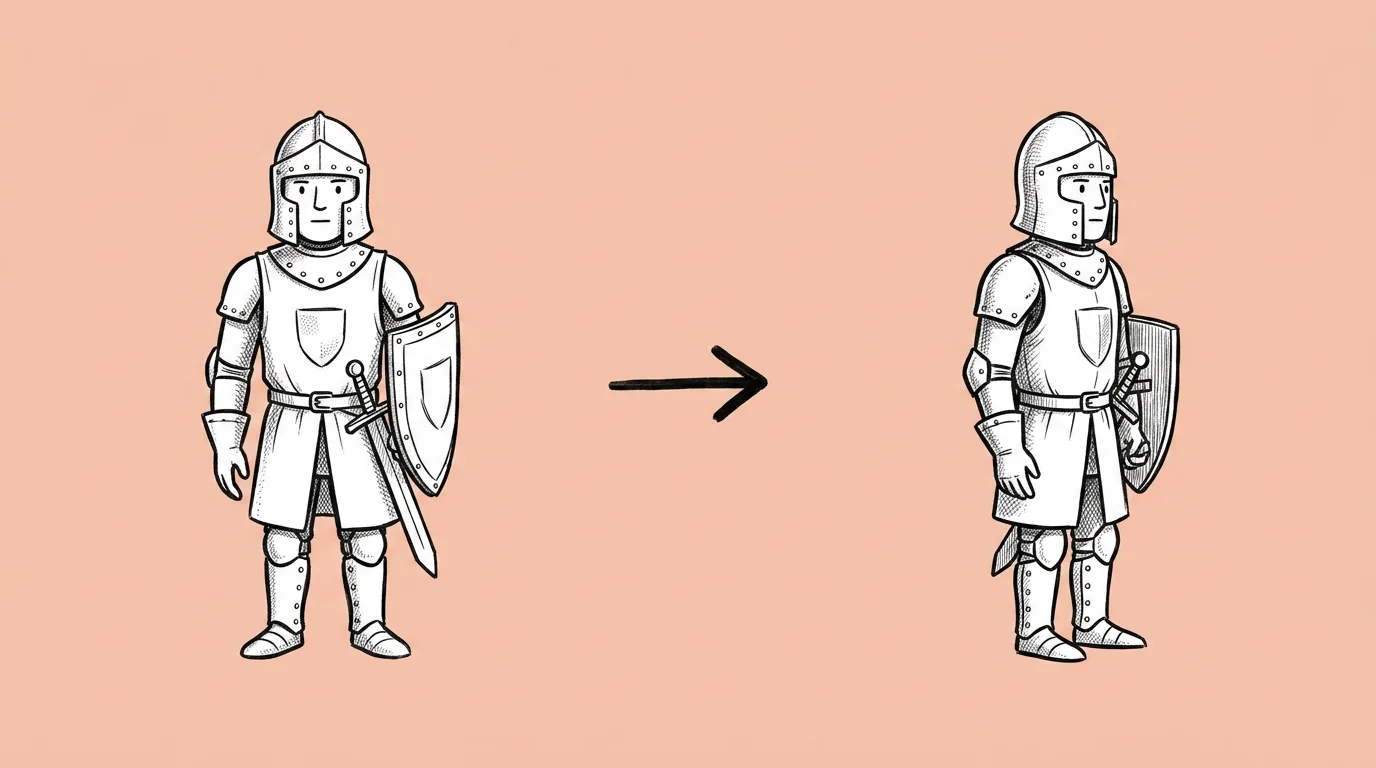
Editing and modelsChange camera positionA new angle on existing art, without redrawing.
Several game assets with their backgrounds removed
Editing and modelsBatch remove backgroundUp to 10 clean cut-outs at once.

Browse by category

How do you get good results from these prompts?

Four habits show up on almost every page:

  • Use your own characters and styles. Call them with @. A saved character or style beats any description.
  • Attach a reference. A clean image on a plain background gives the model less to guess.
  • Say what must stay the same. Most failures are the model changing something you didn't ask it to change.
  • Test more than one model. Models differ a lot by asset type. Compare image models shows you how.

When a prompt works, save it as a skill. Then the whole team gets the same result, and the next event starts from it.

Where to start

FAQ

Can I use these prompts outside Genie?

+

You can copy any of them. The parts that keep results on-model, like @ characters, @ styles, skills and the canvas, are Genie features, so results are most consistent there.

Who writes and tests the prompts?

+

The Genie product team. Every page reflects how the prompt behaves in production use, including what goes wrong.

How often is the library updated?

+

When prompts change or new models arrive. Each page shows its last-updated date.

Try Genie

Pick a prompt. Run it on your own game.

Thanks, we'll be in touch.

A Genie expert will reach out to set up your demo.

Tell us about your studio

We'll use this to route you to the right Genie expert.

By submitting this form, you agree to receive product information from Genie. See our Privacy Statement.