What to fill in
| Bracket | What to put | Example |
|---|---|---|
| [theme] | The event or update, plus its look. | "a spooky Halloween night, purple and orange" |
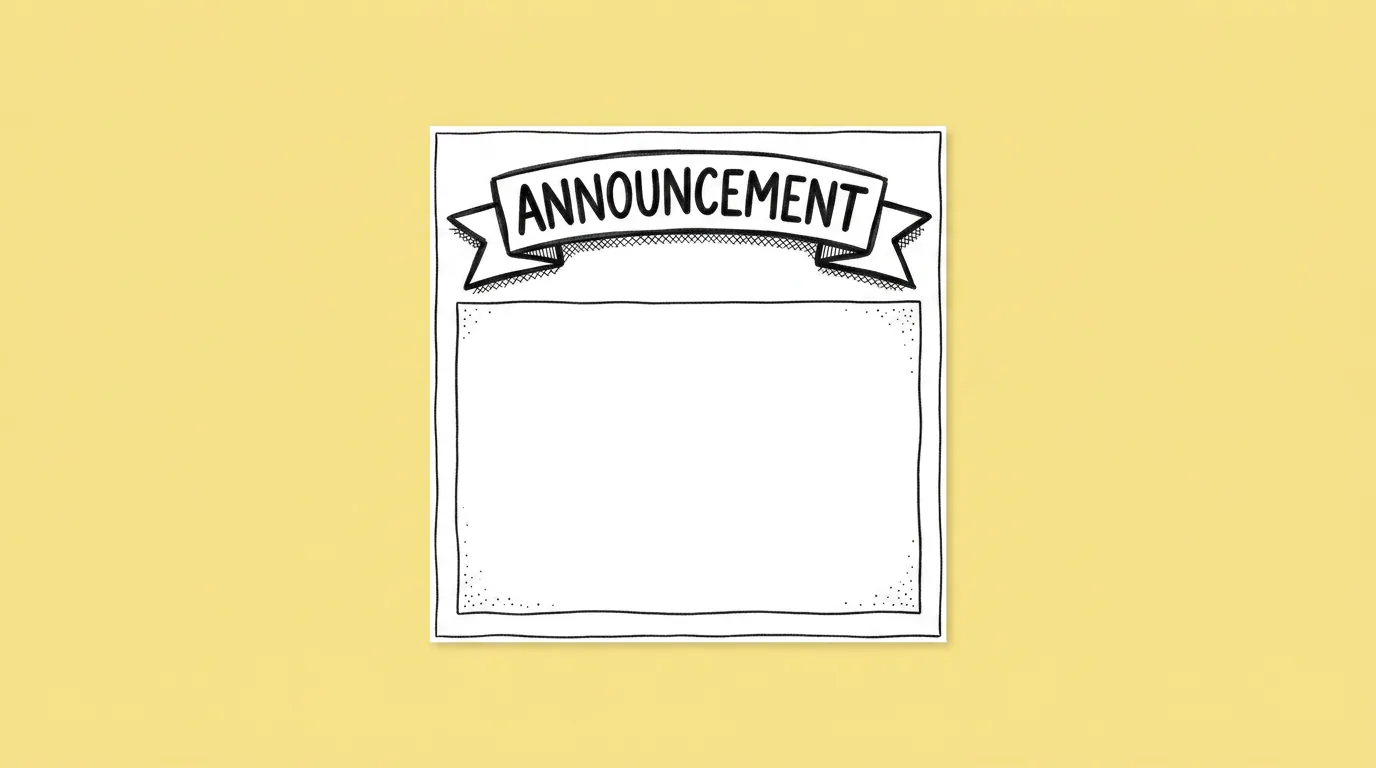
| [text] | A short headline, under six words. | "Haunted Harbor is live" |
| [character/asset] | Called with @. | @Captain Rosa |
| [ratio] | The channel's format. | 1:1 |
When do you use it?
Whenever there's news. A new event, a patch, a sale, a download milestone. Social moves on the same day. A post that arrives three days later because it was waiting in the design queue isn't news anymore.
What breaks, and how do you fix it?
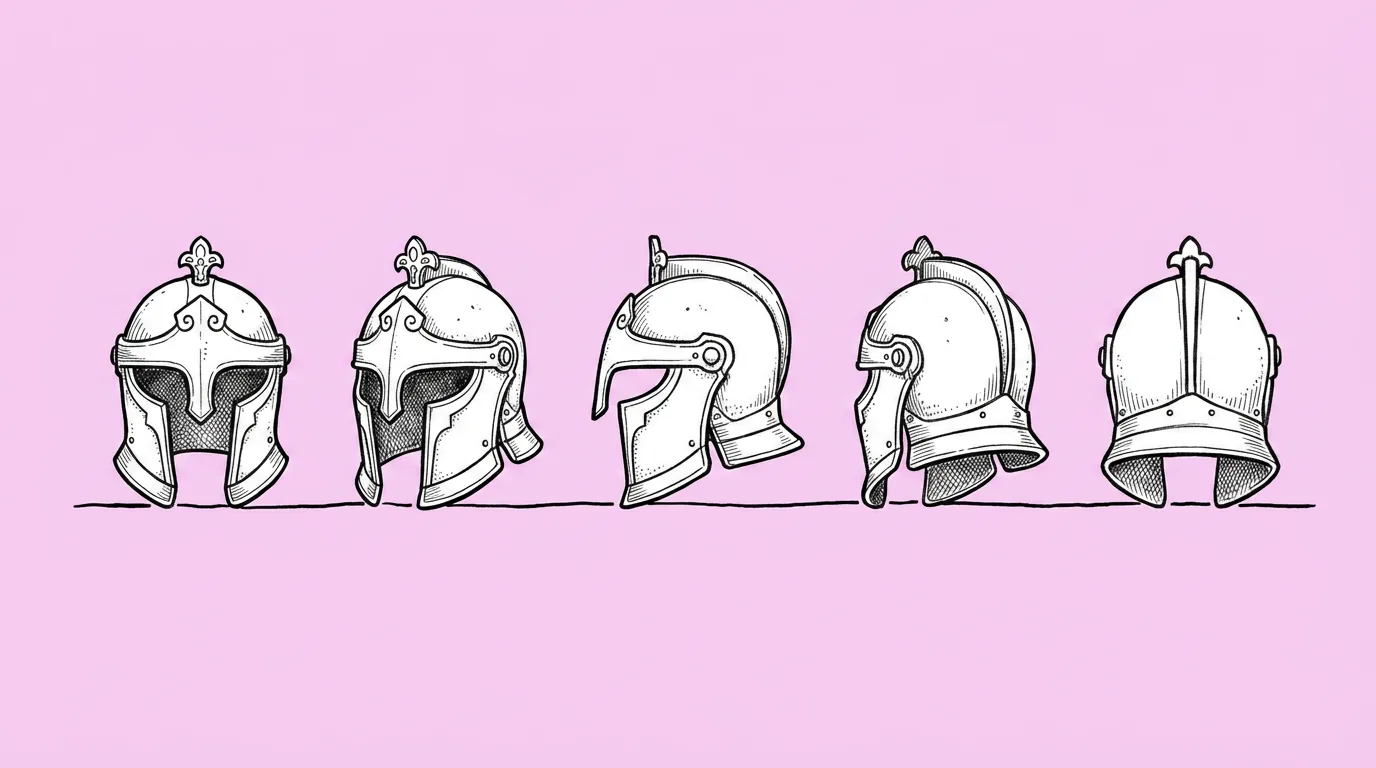
Text comes out misspelled or cramped. The post ignores platform ratios. Characters drift off-model.
- Keep the headline under six words. Short text renders cleanly and reads on a phone.
- Call characters with @. That keeps them on-model.
- Test a few models. Text rendering varies a lot between them. Compare image models helps.
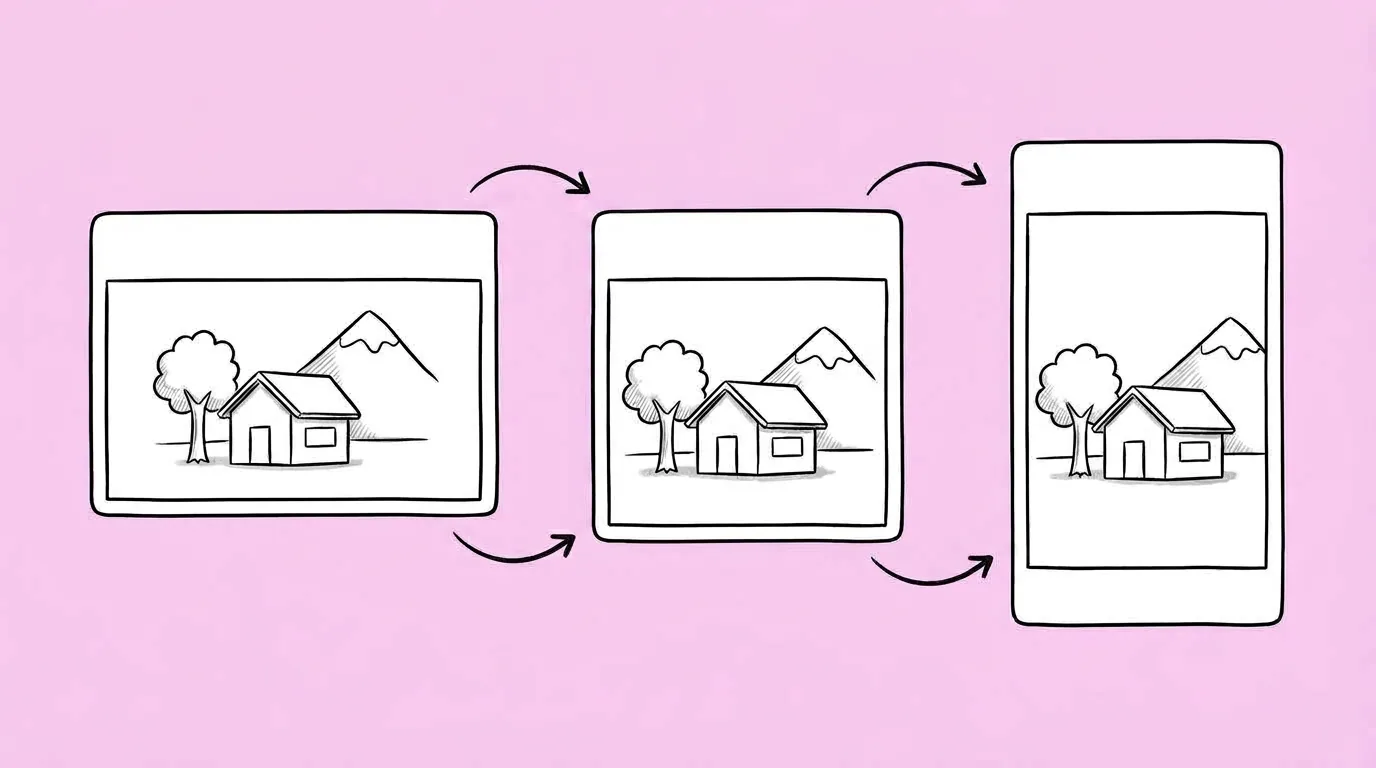
- Save your post format as a skill. Then run Resize for every platform for every channel.
Variations to try
Create a social post in bright summer colors reading '50% off this weekend', featuring @[character] holding a gift box, 4:5 ratio.
Create a celebratory social post reading '10 million players', featuring @[A] and @[B] with confetti, 1:1.
FAQ
Can I add the text myself instead?
+
Yes. Ask for the image with clear space for the headline, then add text in your design tool. Many teams do this for long copy.
Which ratio should I start with?
+
Start with your main channel's format, then resize for the rest.
How do I keep posts on-brand?
+
Save a post format skill with your colors, layout and logo placement, and use it every time.