What to fill in
| Bracket | What to put | Example |
|---|---|---|
| [character A name], [character B name] | Call each character with @. | @Rosa and @Milo |
| [interaction] | What they're doing and who is where. | "Rosa on the left handing Milo a treasure map, Milo on the right looking surprised" |
| [scene] | The setting, plus anything the layout needs. | "on a ship deck at dusk, sky clear at the top for a headline" |
When do you use it?
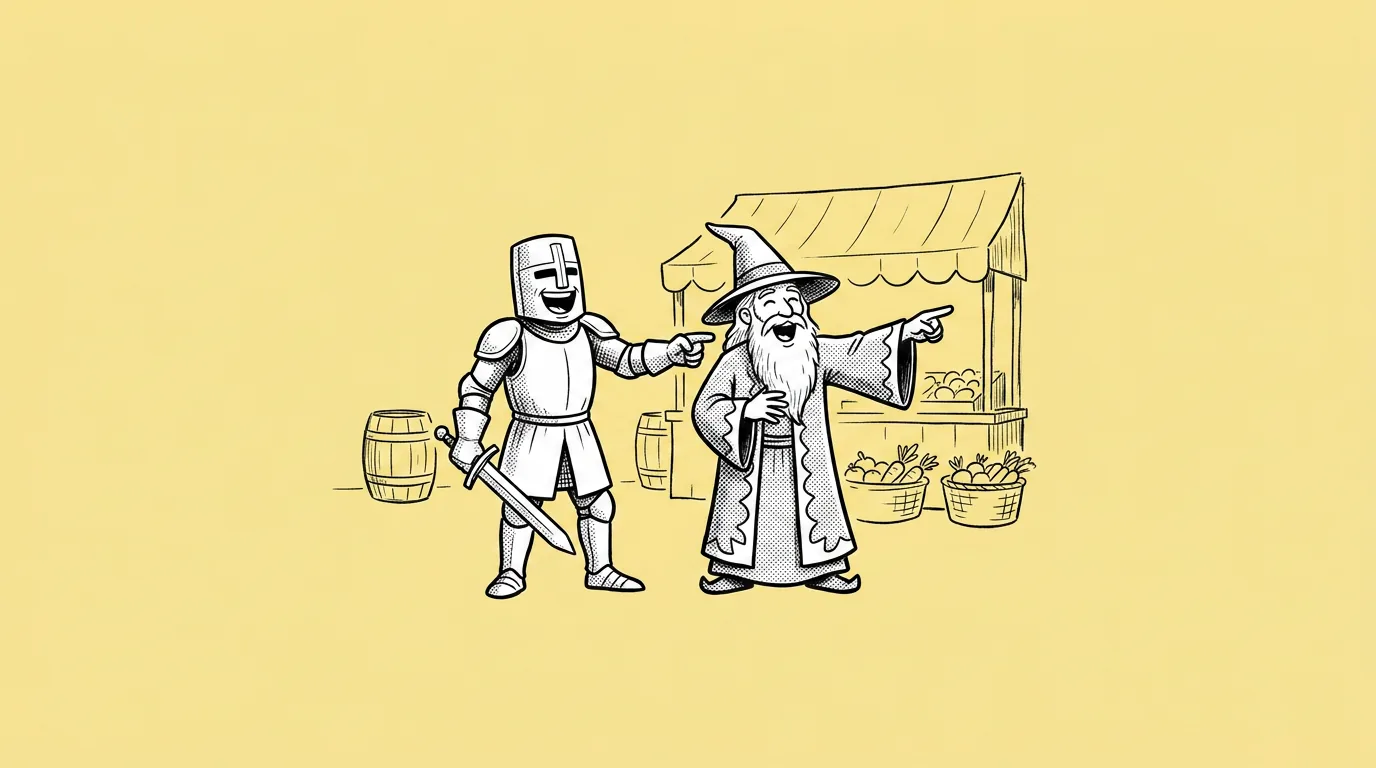
When the moment is about the relationship, not one hero. A rivalry for a PvP event. A duo for a co-op launch. A story beat for an update trailer. The whole cast for an anniversary post.
What breaks, and how do you fix it?
Characters borrow each other's features: one picks up the other's hair color or outfit. Hands and interactions look awkward. One character takes over the frame and the other shrinks into the background.
- Call each character with @. Each one keeps its own saved look.
- Spell out the placement and the interaction. Who stands where, who's doing what to whom.
- Keep the interaction simple. A handoff or a high five reads better than a tangled hug.
- Start with two. Two characters hold up far better than four. Add more once the pair works.
Variations to try
Create an image with @[A] on the left and @[B] on the right facing each other, ready to battle, split background in their two colors.
Create an image of @[A], @[B] and @[C] cheering together around a giant cake, front-facing, evenly spaced.
FAQ
How many characters can I put in one image?
+
There's no hard limit, but consistency drops as you add more. Two is reliable, three is fine with clear placement, four or more usually needs a few reruns.
Do the characters need to be set up in Genie?
+
For on-model results, yes. Calling them with @ is what stops features from blending.
Can I use an existing background?
+
Yes. Attach it and say "in the attached scene", or add characters one at a time with Add character to scene.