Short on time?Analyze this prompt guide and get the key conclusions
Which tool should you use?
| Need | Use |
|---|---|
| A full campaign set of formats | The every-platform prompt, through Genie's agent |
| One new ratio with special requests | The one-new-size prompt, through Genie's agent |
| A straight upscale | The 2x resizer on the canvas |
What breaks, and how do you fix it?
Key elements get cropped: the logo, the CTA, a character's face. Or the recomposition stretches content or adds things that weren't there, in a style that doesn't match.
- List what must stay. Logo, CTA, character. Name them.
- Say what can be extended. Sky and background can grow. The hero stays centered.
- Name every format in one request. One pass, one consistent set.
- Save your format list and must-keep rules as a skill. Genie remembers them, and every future campaign gets all its resizes from a single request.
Variations to try
UA set
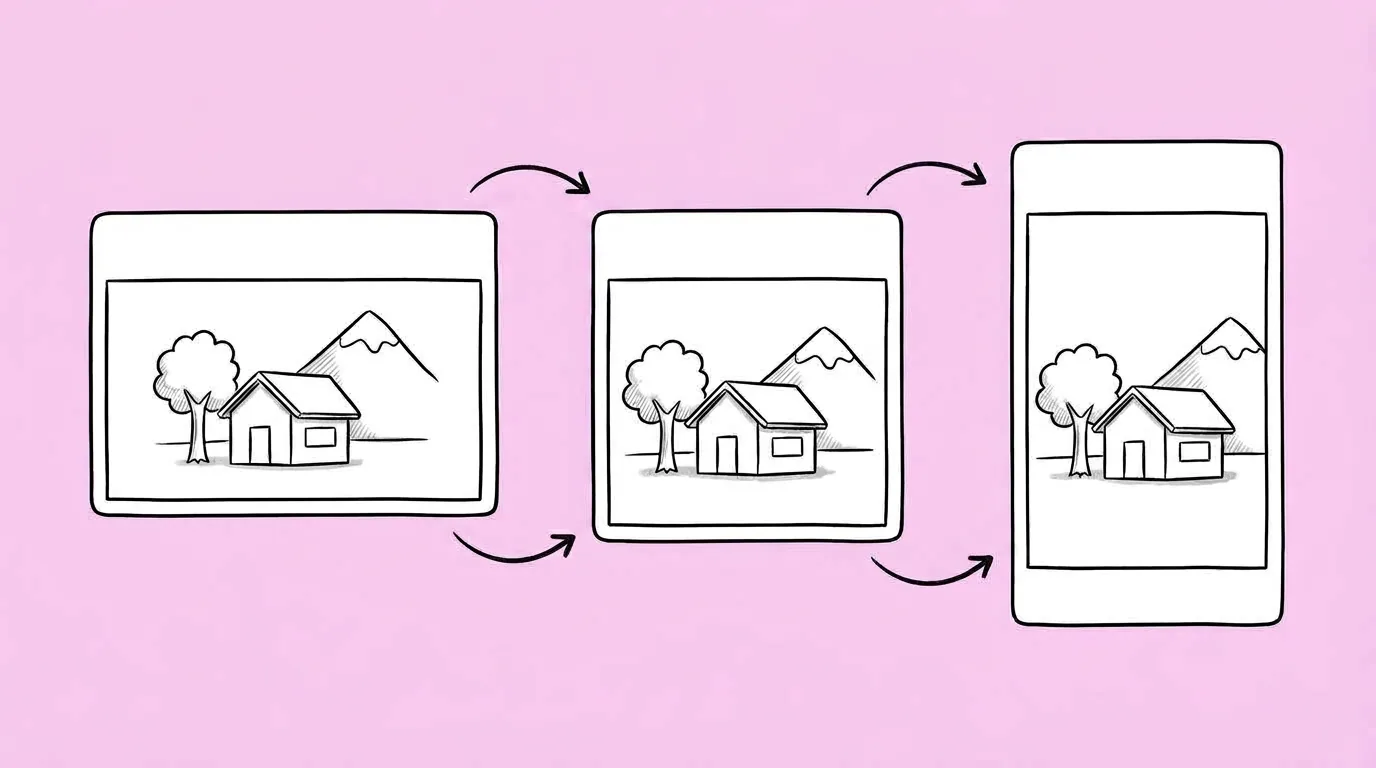
Recompose the attached image for 1:1, 4:5, 9:16 and 16:9. Keep the logo top left, the CTA bottom right and the character's full face in every version.
Store upscale
Resize the attached key art to 4K at 16:9, extending the sky on both sides, character stays centered.
FAQ
Will it crop my creative?
+
It recomposes rather than crops, so it extends or rearranges the scene. Name what must stay to protect it.
Can it upscale to 4K?
+
Yes. For a straight upscale with no recomposition, the 2x resizer on the canvas is the quickest route.
How many formats can one request handle?
+
Four or five is common for a campaign. Save them as a skill so you don't list them each time.