

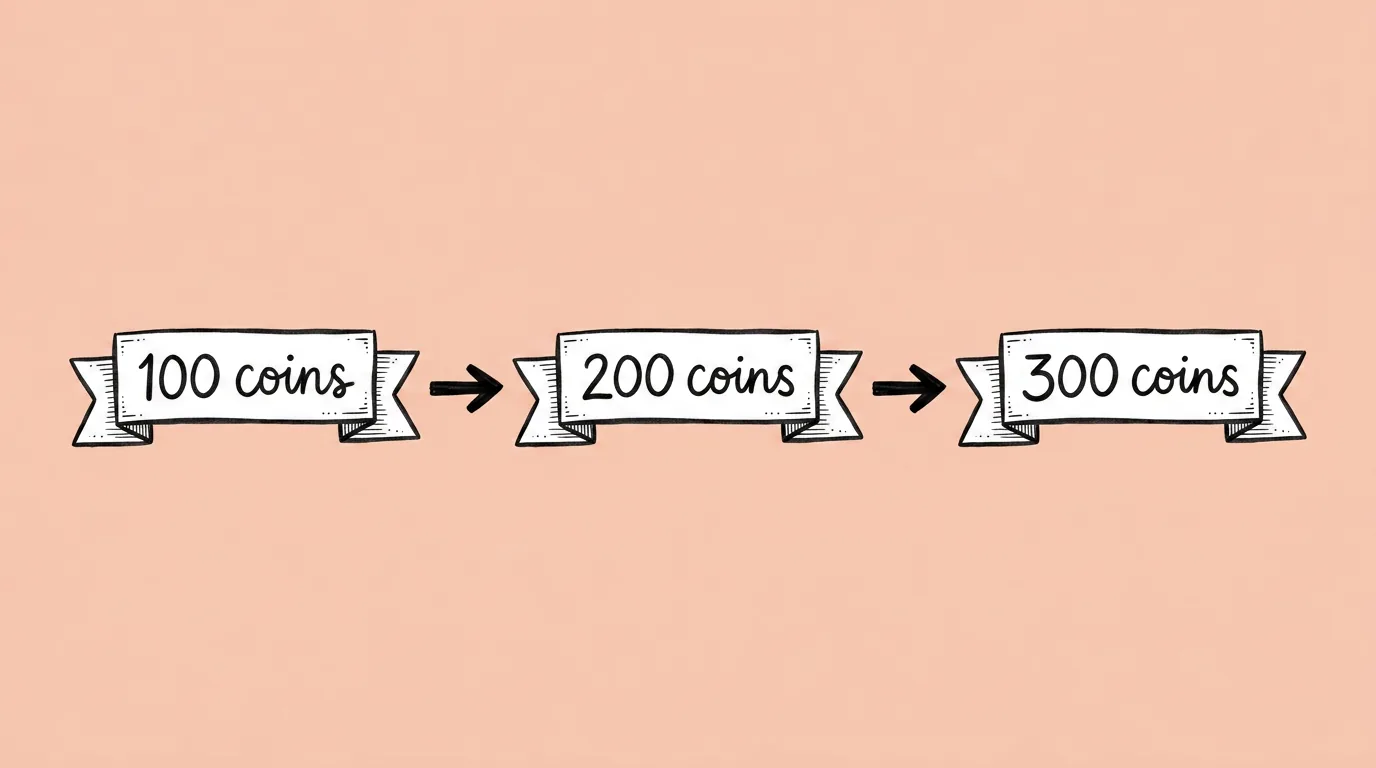
To localize a store screenshot, CRM pop-up or event banner without reopening the design, chain five steps: test which model renders your scripts, make fast drafts in every language, fix length before generating finals, run the finals with your approved translations, then resize each language for every placement. The art stays the one you approved. Only the text changes.
Key takeaways
- Drafts and finals are different jobs. Machine translation for review, approved copy for anything players see.
- Fix length before you generate. German and Russian run long; decide per asset whether text shrinks or boxes grow.
- Test non-Latin scripts first. Arabic, Hebrew and CJK vary most between models.
- Keep a do-not-translate list: the game's name, feature names, currency names.
- In Genie, the language list, the do-not-translate terms and the format list save as skills, so every launch runs the same way.
How do you localize a creative, step by step?
Step 1: Test your hardest scripts first
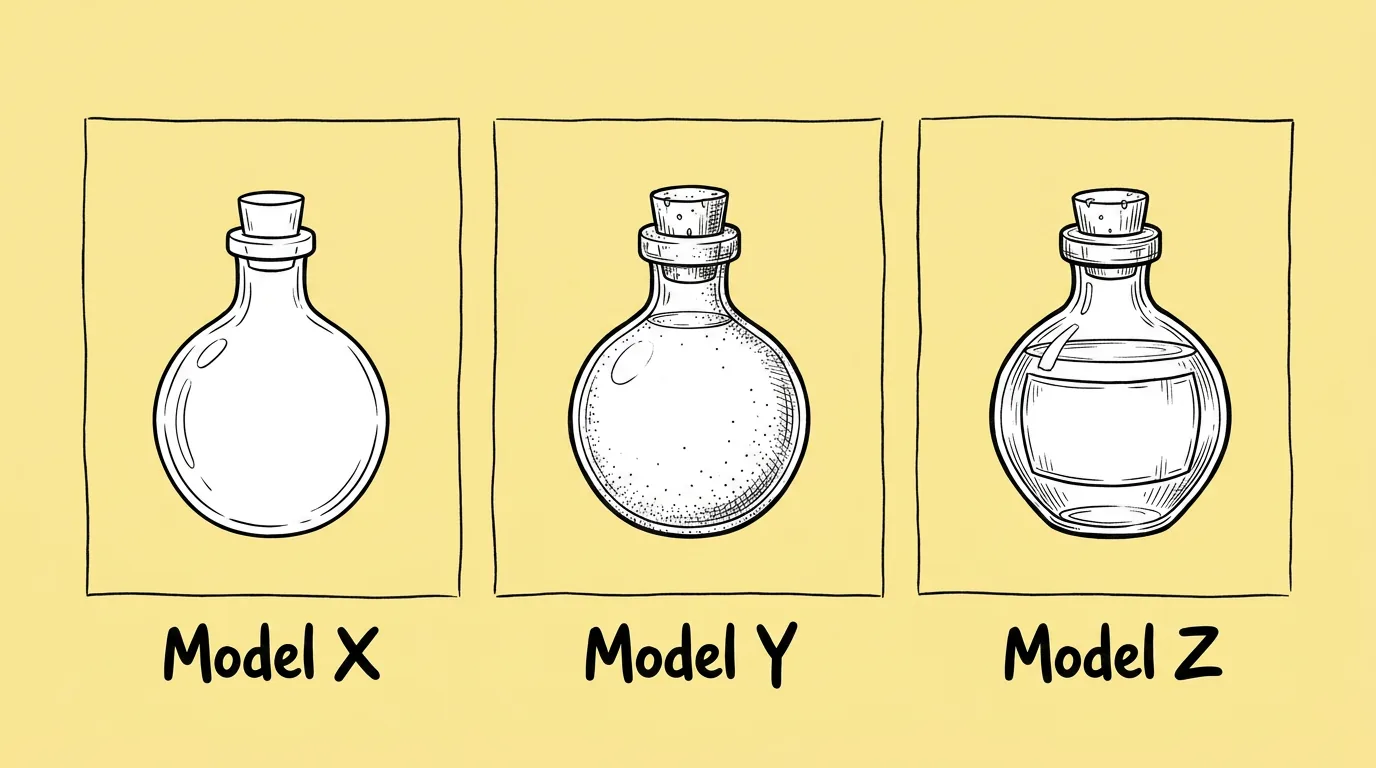
Before a full run, take one creative and test it in your trickiest languages, usually Arabic, Japanese or Korean, on two or three models with Compare image models. Text rendering varies a lot between models. Pick the one that gets your scripts right and use it for the whole run.
 PromptCompare image models →
Step 2: Make drafts in every language
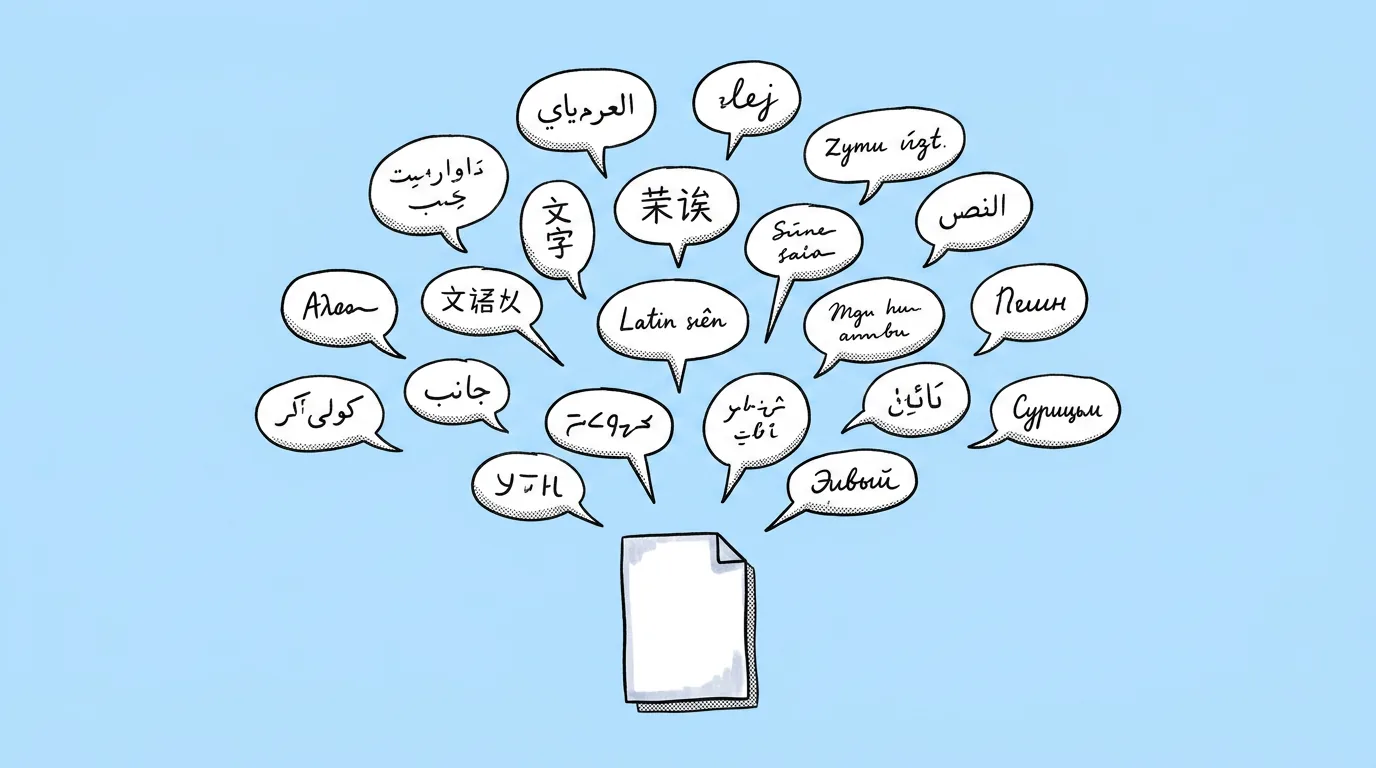
Run the many-languages version of Multi-language localization with your full language list. This is for review: product, marketing and regional teams see every market's version in one pass and flag layout problems early.
 PromptMulti-language localization →
Step 3: Fix length before finals
Ask Genie's agent which translated strings run longer than the original and whether shorter alternatives exist. Then decide per asset: should the text fit the existing space, or should buttons, banners and text boxes expand so the full translation fits? Send shortened copy back to your localization team for approval.
Step 4: Run finals with approved copy
Run the own-translation version of Multi-language localization once per language, pasting the approved translation exactly. Flag any text that must stay unchanged. If copy changes come back late from legal or a regional team, use Text editing to swap just that text without regenerating.
PromptMulti-language localization →Step 5: Resize every language for every placement
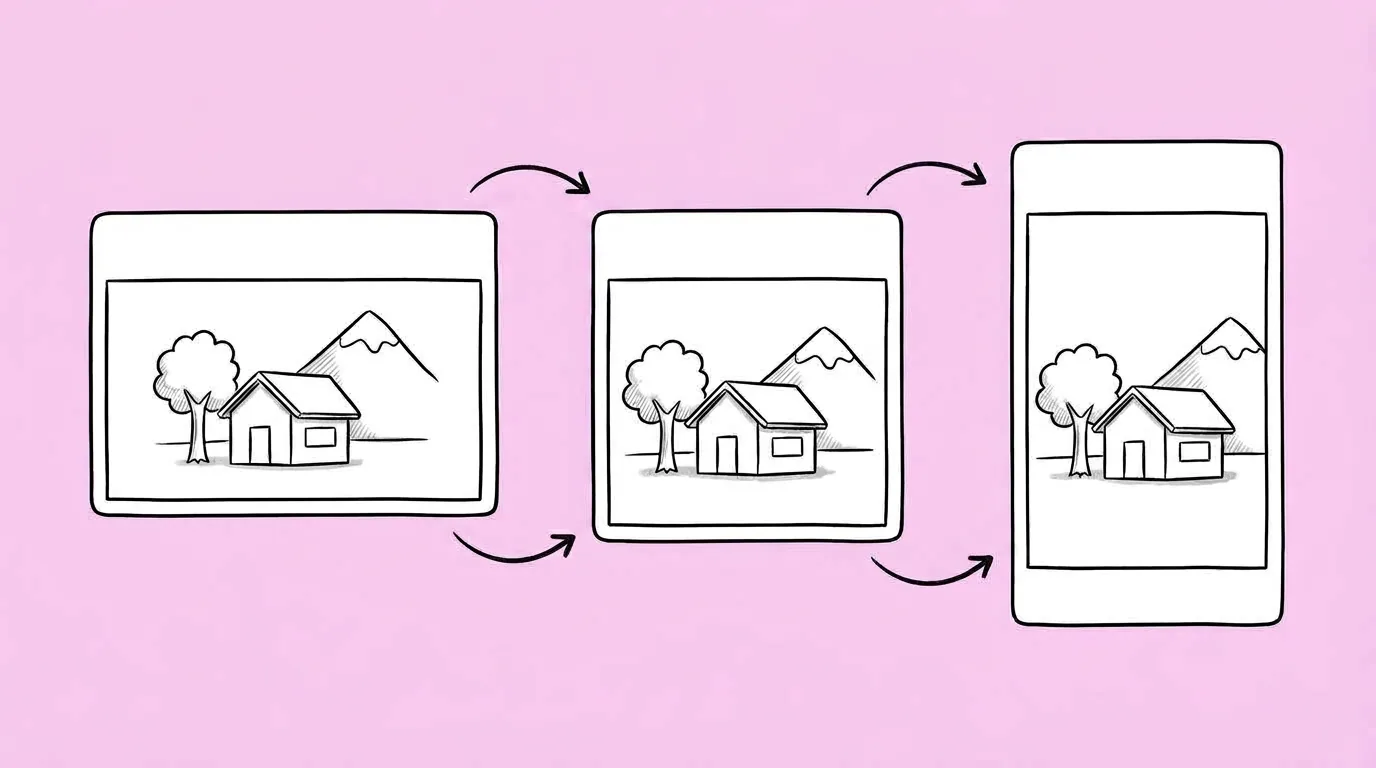
Run Resize for every platform on each final with your format list: store screenshot sizes, pop-up, banner, push image. Name what must stay: logo, CTA, price.
 PromptResize for every platform →
Prompts in this guide
The run at a glance
| Step | Prompt | Purpose | Ship it? |
|---|---|---|---|
| 1 | Compare image models | Pick the model for your scripts | No, it's a test |
| 2 | Multi-language localization (many languages) | Review every market | No, drafts |
| 3 | Agent length check | Fit or expand, per asset | No, a decision |
| 4 | Multi-language localization (approved copy) | Final assets | Yes |
| 5 | Resize for every platform | Every placement | Yes |
What goes wrong most often?
- Brand names get translated. Keep a do-not-translate list in a skill and include it every time.
- Right-to-left layouts break. Arabic and Hebrew may need the layout mirrored, not just the text. Check those assets by eye.
- Fonts change between languages. Ask to keep the font family and weight, and review CJK separately since many fonts don't cover it.
- Drafts ship by accident. Name files by stage, draft or final, so machine translation never goes live.
The honest read: this doesn't replace your localization team or native review. It removes the design queue between their approved copy and a shipped asset.
Where does Genie fit?
Localization is where one system pays off most: the same approved image, the same language list, the same do-not-translate terms and the same formats, saved as skills and reused for every launch and every LiveOps event. Every market goes live the same day instead of waiting in the design queue.
FAQ
How many languages can one run handle?
+
Drafts can cover your full list in one request. For finals, run one language per request with its approved copy.
Can I localize video or playable ads this way?
+
This workflow covers static images. Video and playables have their own localization steps.
What about copy tests in each market?
+
Use Text editing per language. See also How to create and test in-game offer art.