


There's no single best AI image model for game art. The right model depends on the asset type: one holds asymmetric details on a turnaround, another renders text cleanly for localization, another stays closest to a sketch. The reliable way to choose is a short test before every new asset type: check which models are available, run your real production prompt on the top two or three, twice each, judge against your style guide, and save the winner as a skill.
Key takeaways
- Choose per asset type, not once per company. The winner for icons may lose on localized banners.
- Test on your real prompt and reference. Generic test prompts tell you nothing about your game.
- Run each model twice. One good result can be luck.
- Recheck when the lineup changes. Last month's winner may not be today's.
- In Genie, every available model runs from the same prompt, and the winner saves as a skill so the whole team uses it.
Why not just pick the most popular model?
Because leaderboards rank general images, and your game isn't general. A model that wins on photorealism can drift on a stylized character. One that paints beautifully can mangle Arabic text. The test costs a few generations. Picking wrong costs a whole batch.
How do you choose a model, step by step?
Step 1: Check what's available and what it supports
Ask Genie's agent: "List all available image generation models, and for each one, return its supported aspect ratios and resolutions." For video, ask the same about video models. Filter by what your asset needs, for example 9:16 at 4K for store assets, or the ratio and length your ad network needs for video.
Step 2: Run your real prompt on the shortlist
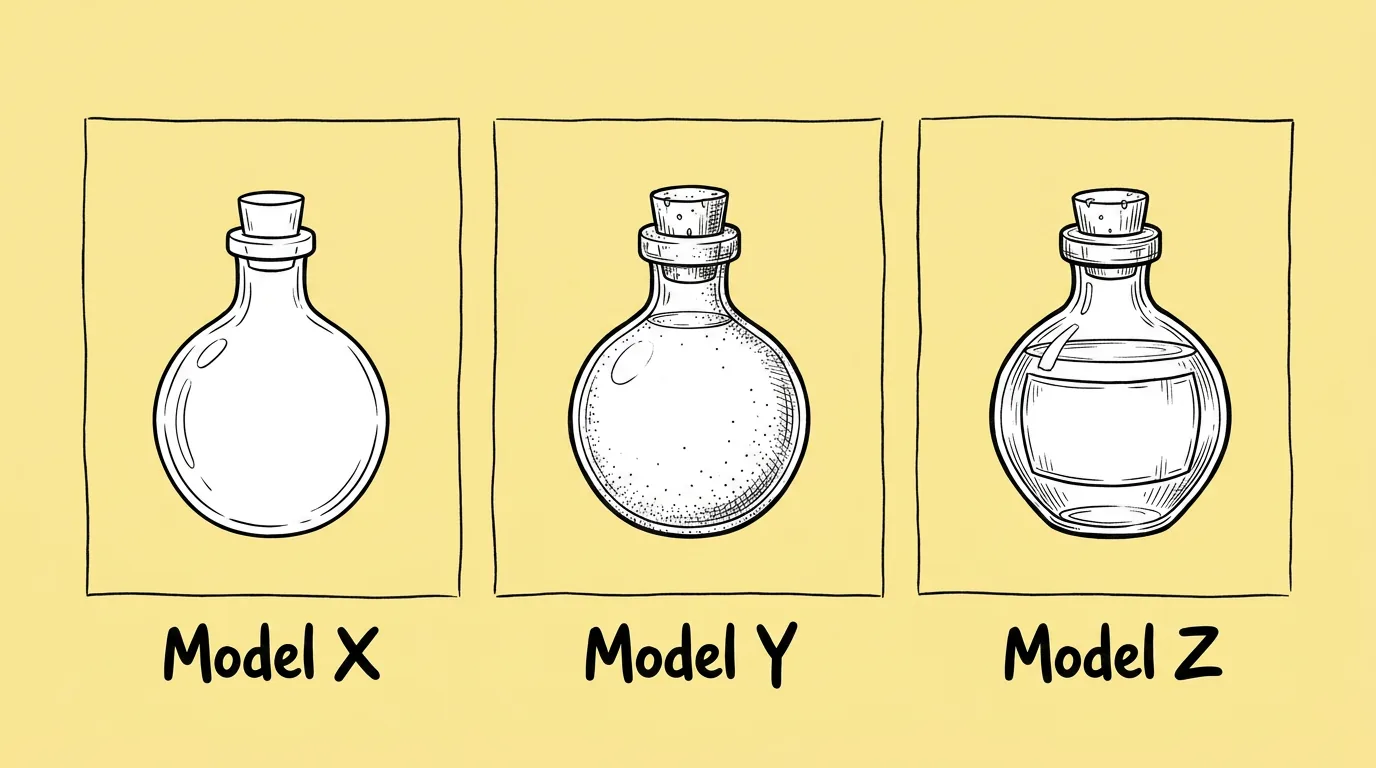
Take the top two or three and run Compare image models with your actual production prompt and the same reference. As of October 2026 the prompt compares GPT2, Nano 2 and Nano Pro; swap in whatever step 1 returned. Run it twice.
 PromptCompare image models →
Step 3: Judge against the right criteria
Not "which one looks best". Judge on what breaks for this asset type:
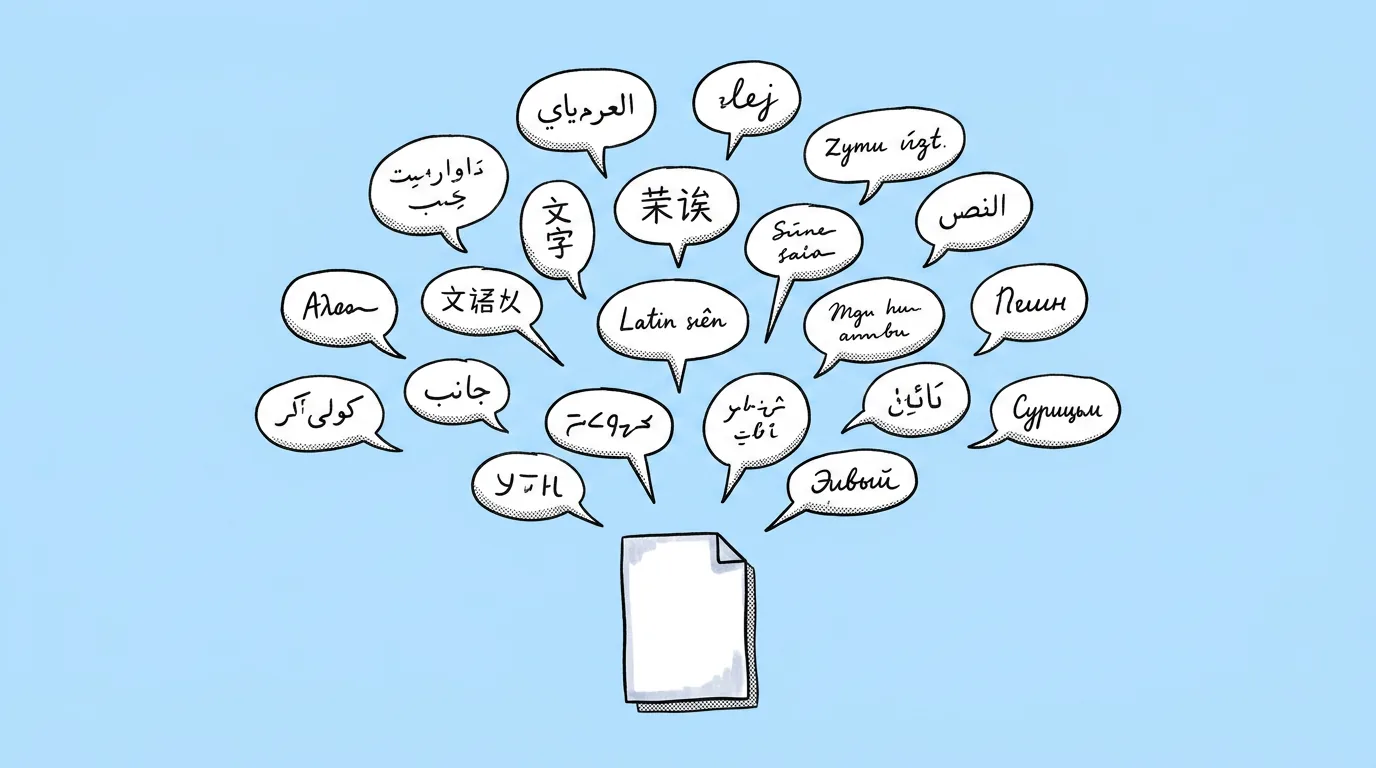
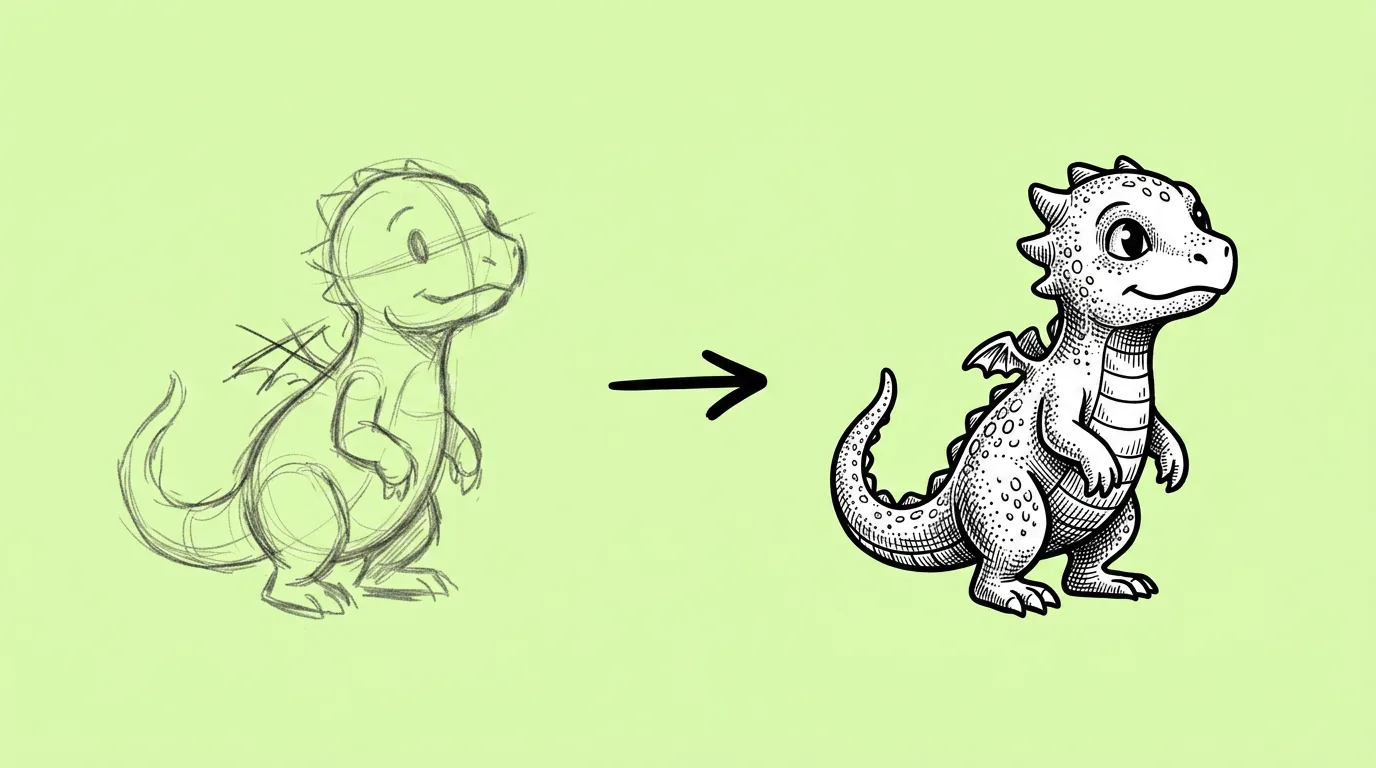
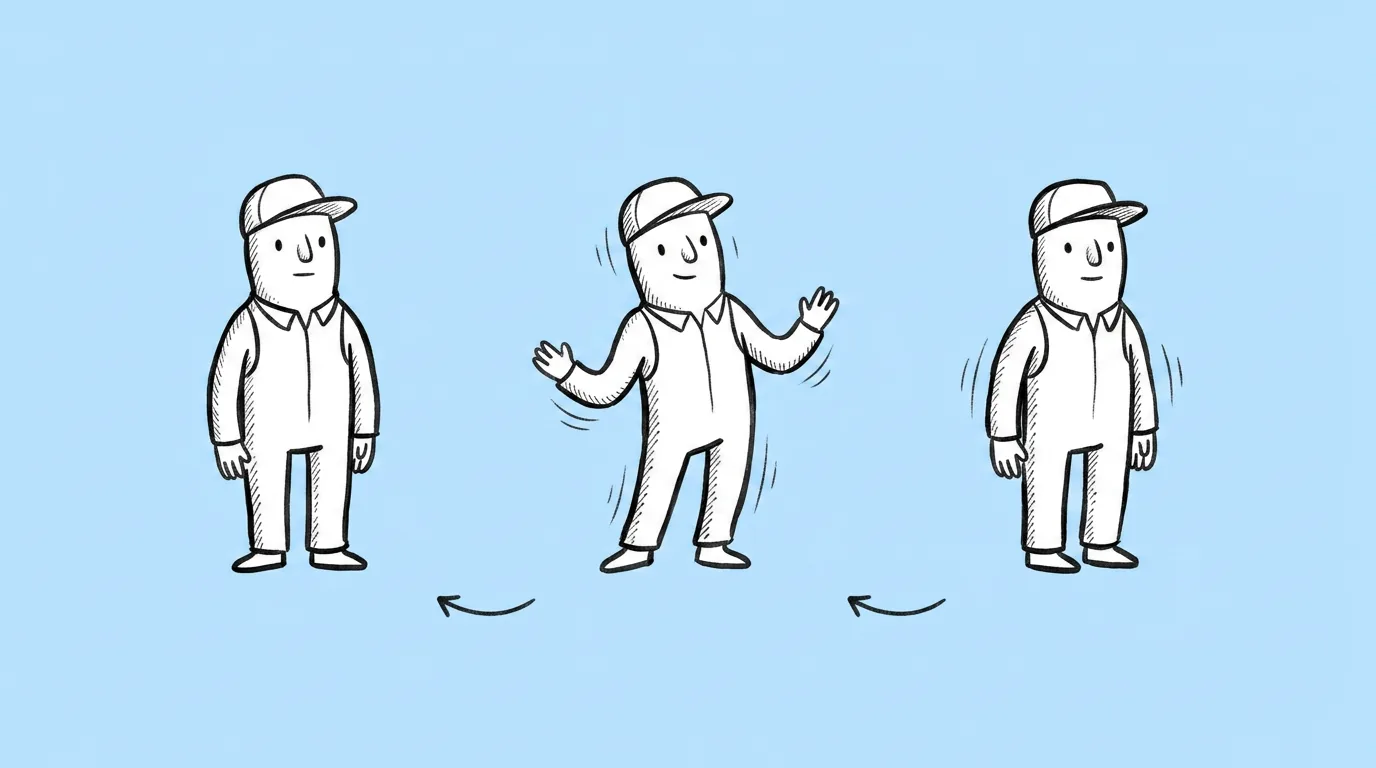
Asset type What to judge first Prompt to test with Characters, turnarounds Back view, asymmetric details, face consistency Asset turnaround Localized store and CRM art Non-Latin scripts, font consistency, text fit Multi-language localization Concept to final Fidelity to the sketch's lines and proportions Sketch to render Icons and sets Consistency across the set, readability at 64px Icon set Video loops Design holding during motion, clean loop Character idle animation (Kling 3 as of October 2026) 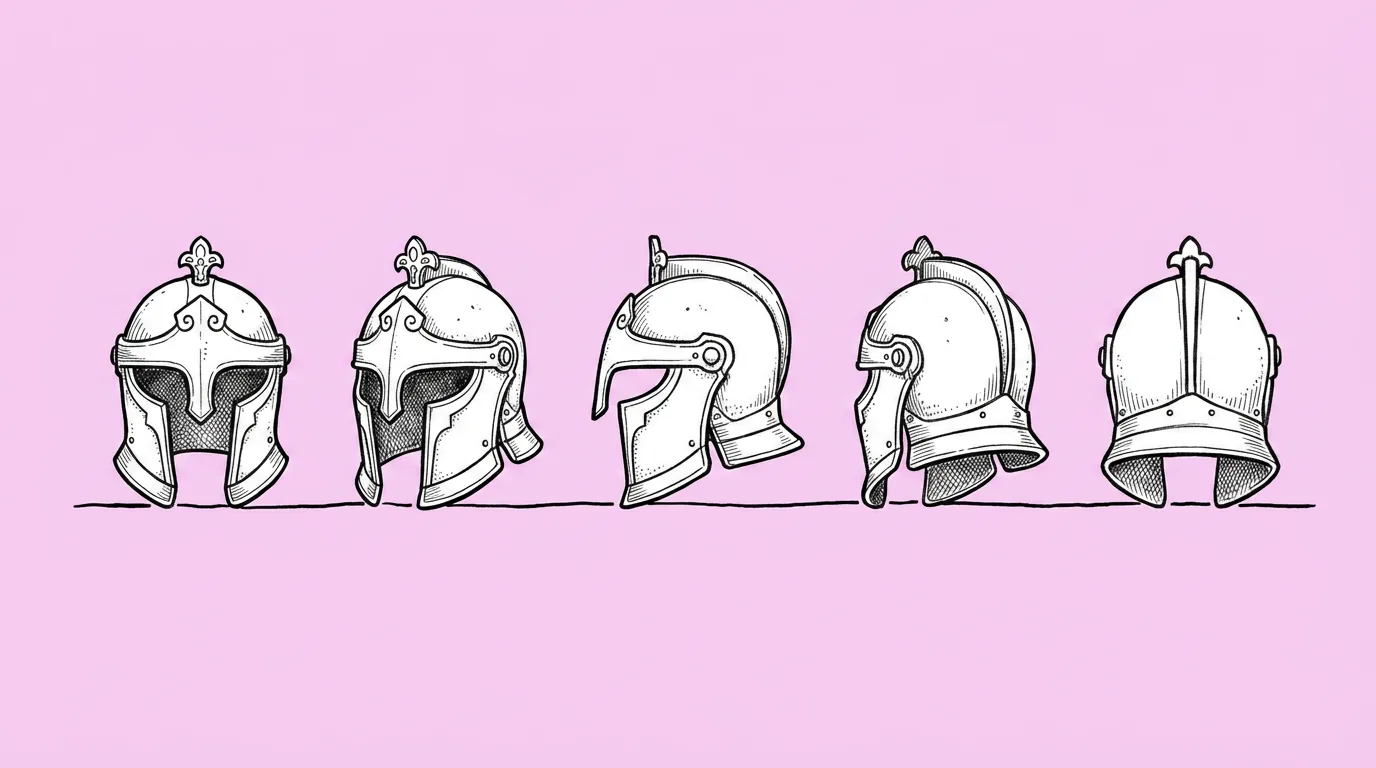 PromptAsset turnaround →
Step 4: Save the winner and set a recheck
Save the winning model for that asset type as a skill, so everyone on the team runs it the same way. Then recheck when a new model arrives in Genie, or before a new asset type goes into production.
Prompts in this guide
What goes wrong with model tests?
- The test prompt is vague. "A fantasy character" measures nothing. Use the prompt you'll actually ship with.
- One run per model. Results vary run to run. Two runs is the minimum.
- Judging by taste. Hold every result against your style guide, not against the most impressive image.
- Never rechecking. Lineups change fast. A test from three months ago is a guess today.
The honest read: model choice matters less than a clean reference and a specific prompt. A great model can't fix a vague brief. But between two good prompts, the right model is often the difference between one run and five.
Where does Genie fit?
Genie runs the available models from the same canvas and the same prompt, with your characters and styles behind @. The test above takes one request, and the result becomes a skill instead of a note someone has to remember.
FAQ
Which model is best for game art?
+
It depends on the asset type. Use the table above to know what to judge, and test on your own prompt.
How often should we retest?
+
When a new model arrives, and before any new asset type goes into production.
Does this apply to video models?
+
Yes. Check which video models support your ratio and length, then test one short clip on two or three before scaling.