What to attach and what to change
| Part | What to use | Example |
|---|---|---|
| The attached asset | One clean front view on a plain background. On the canvas, click the asset to add it as the reference. | Your hero in a neutral standing pose, no props crossing the body |
| Grid size | 3x3 gives nine angles. Ask for fewer cells if you only need front, side and back. | "a 2x2 grid with front, left, right and back" |
| Resolution and ratio | 4K at 1:1 keeps every cell readable. Change it if your pipeline needs a different sheet size. | "at 4K in a 16:9 ratio" |
When do you use a turnaround sheet?
The moment an approved character or prop leaves the concept stage. A 3D modeler, an animator or an outsourcing studio needs to see the sides and the back. Without them, they guess, and the guess comes back as a revision round.
A few situations where this prompt earns its place:
- 3D handoff. The modeler gets every angle on day one instead of waiting for a paint-over of the back.
- Outsourcing briefs. One sheet answers the questions an external studio would otherwise send by email.
- LiveOps characters. A new event character needs to ship on the calendar, not a week later because the turnaround wasn't ready.
What breaks, and how do you fix it?
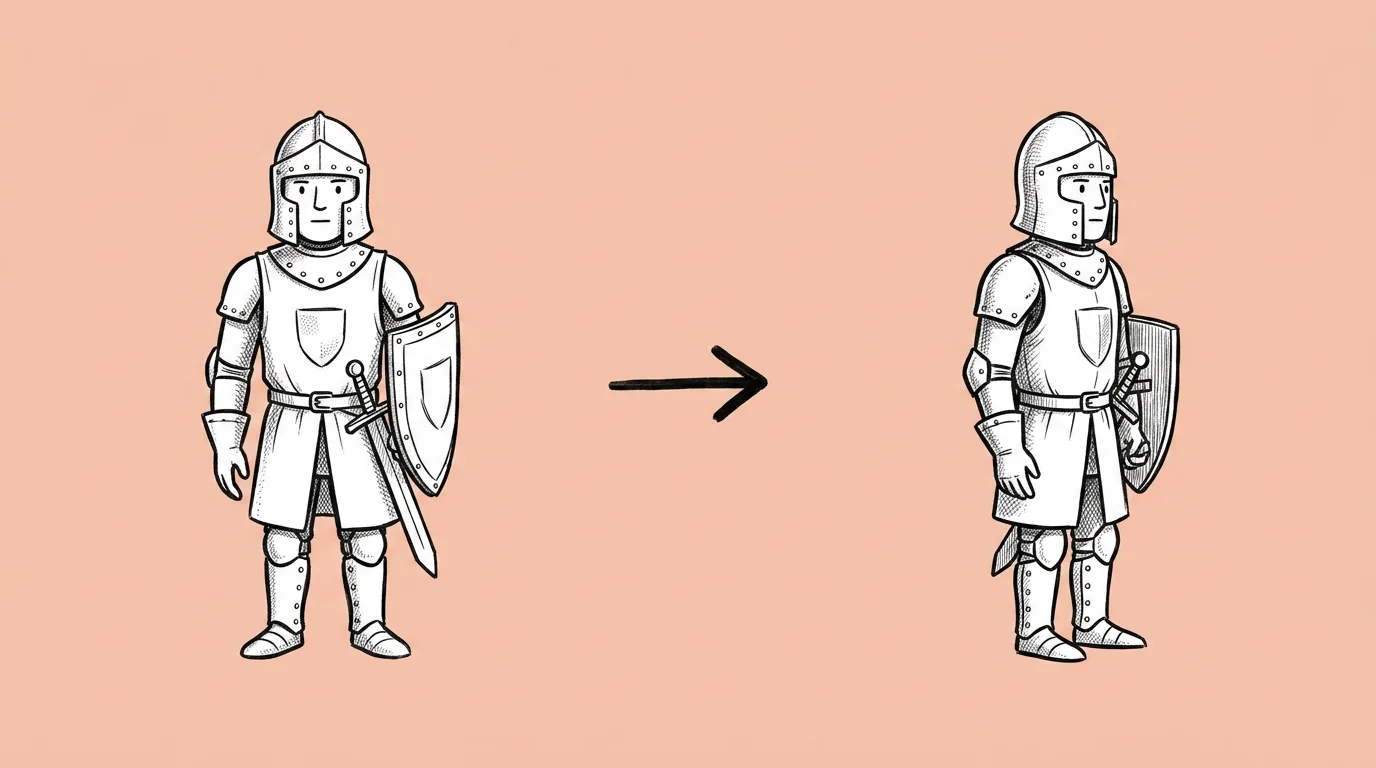
Two things go wrong most often. The back view gets invented, because the model has never seen it. And asymmetric details flip sides between angles: a sword on the left hip in the front view ends up on the right hip in the back view, or a logo jumps sleeves.
The fixes:
- Start from a clean front view on a plain background. Busy backgrounds and crossed arms give the model less to work with.
- Name what must stay put. "The sword is on her left hip in every view" is a sentence that saves a rerun.
- Test a few models. Some hold asymmetric details much better than others. Run the same prompt on two or three models with Compare image models and keep the one that gets the details right.
The honest read: a turnaround sheet is a reference, not a model. It removes the guessing from a handoff. It doesn't replace the modeler's judgment on volumes the 2D views can't show.
Variations to try
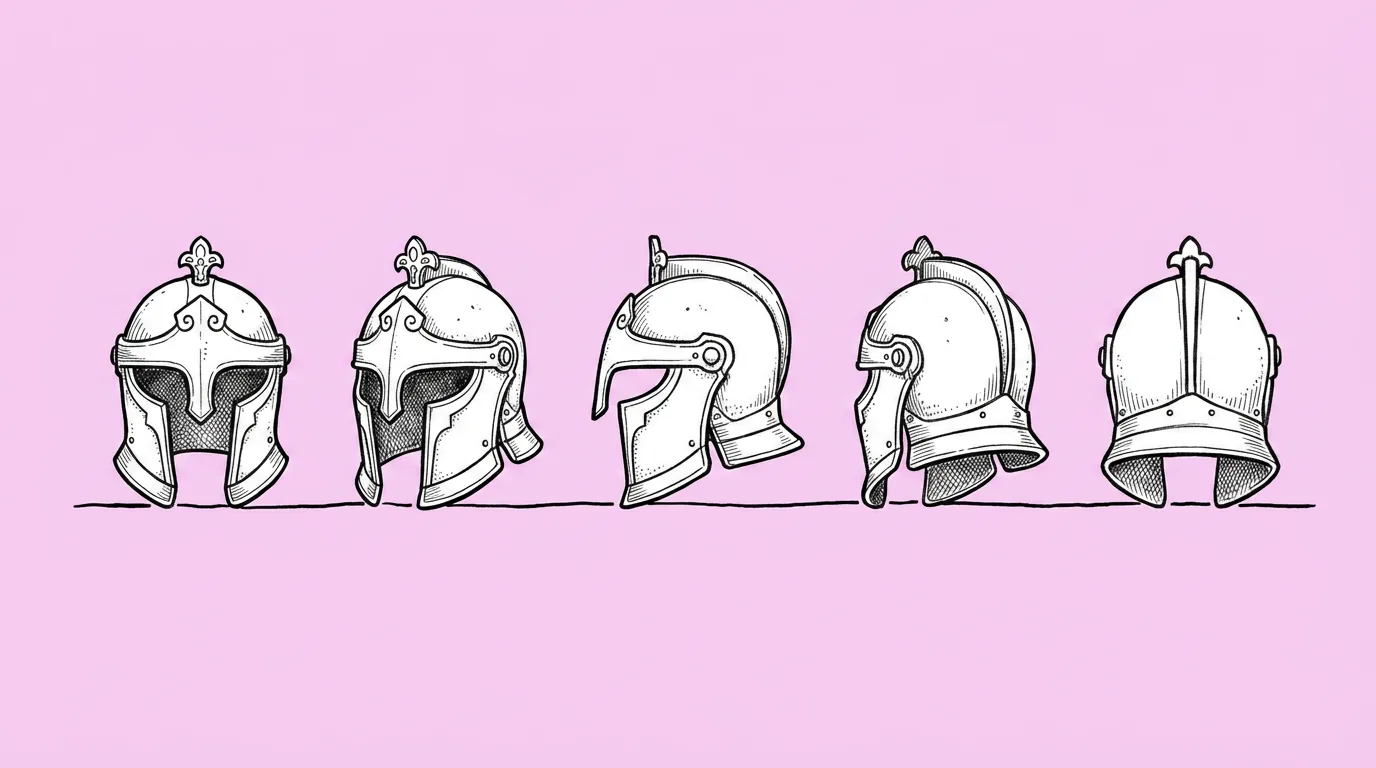
Create a turnaround of the attached character showing front, left side, right side and back, side by side on a plain gray background.
Create a 3x3 turnaround of the attached building from eye level, rotating 45 degrees per cell.
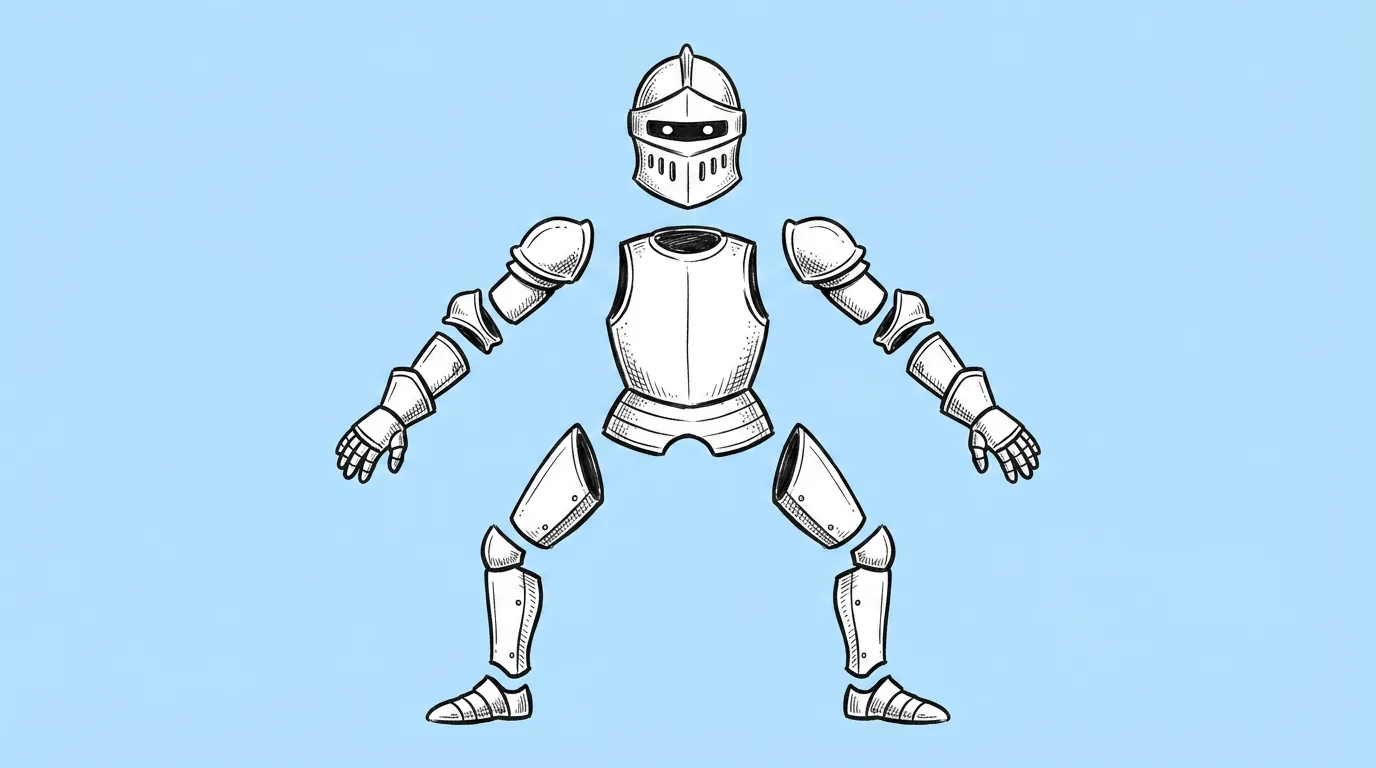
Create a turnaround of the attached character in a T-pose, front, side and back, with arms clear of the body.
FAQ
Can I make a turnaround without a reference image?
+
The prompt works from an attached asset, so you need a front view first. If you don't have one, generate the character in Genie, approve it, then click it on the canvas to use it as the reference.
Does it work for props, vehicles and buildings?
+
Yes. The prompt says "asset" on purpose. For hard-surface objects, ask for a fixed rotation per cell (for example 45 degrees) so the angles step evenly.
Which model is best for turnarounds?
+
It depends on your style and on how many asymmetric details the asset has. Test two or three models on your real asset and judge the back view and the asymmetric details first, since that's where they differ most.
Is the sheet ready for 3D modeling?
+
It's a reference sheet for the modeler, not a 3D model. It gives them every angle up front, so the first pass is closer and the revision rounds get shorter.