What to fill in
| Bracket | What to put | Example |
|---|---|---|
| [number] | Four to six per batch keeps each image on-model. | 5 |
| [character name] | Call the character with @ and attach a reference. | @Milo the fox |
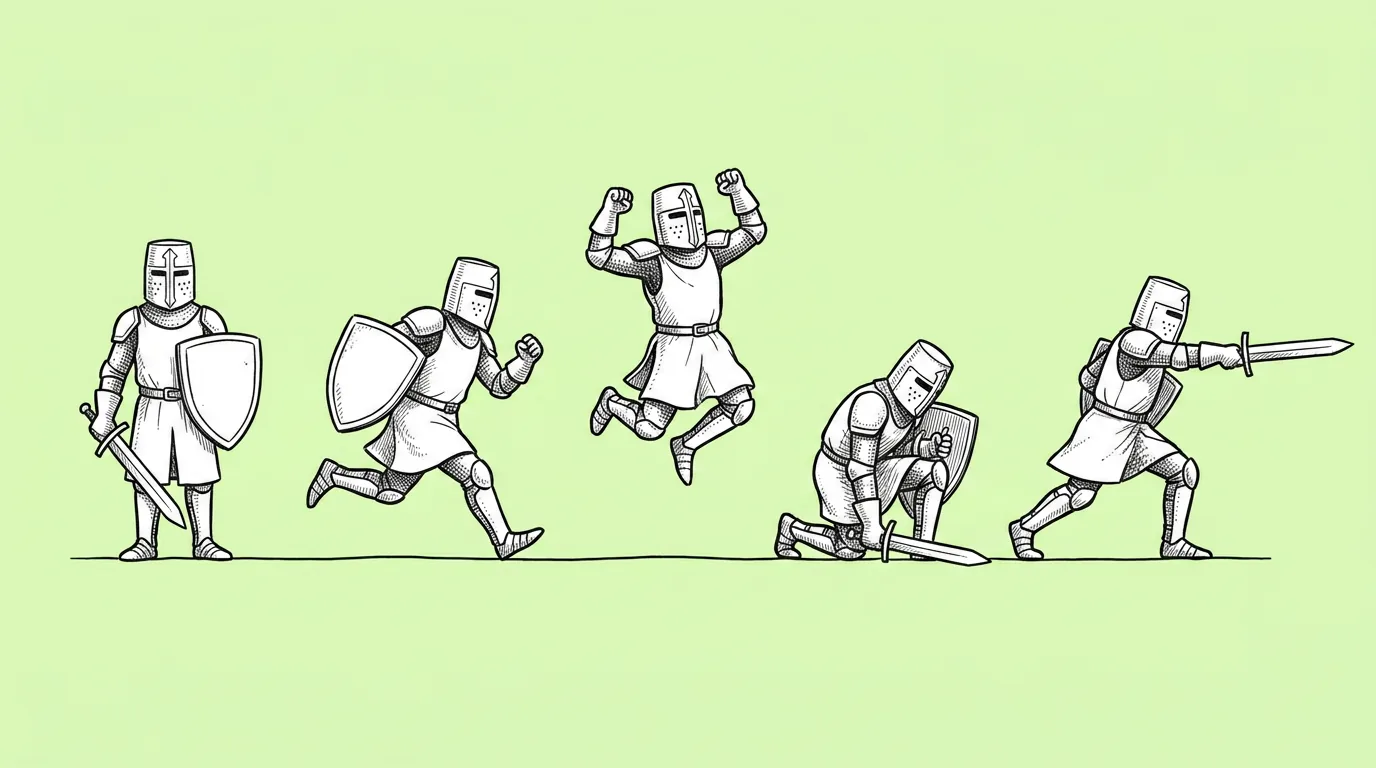
| The poses | Swap the examples for the exact poses you need. | "waving, celebrating, sitting on a chest, pointing, sleeping" |
When do you use a pose set?
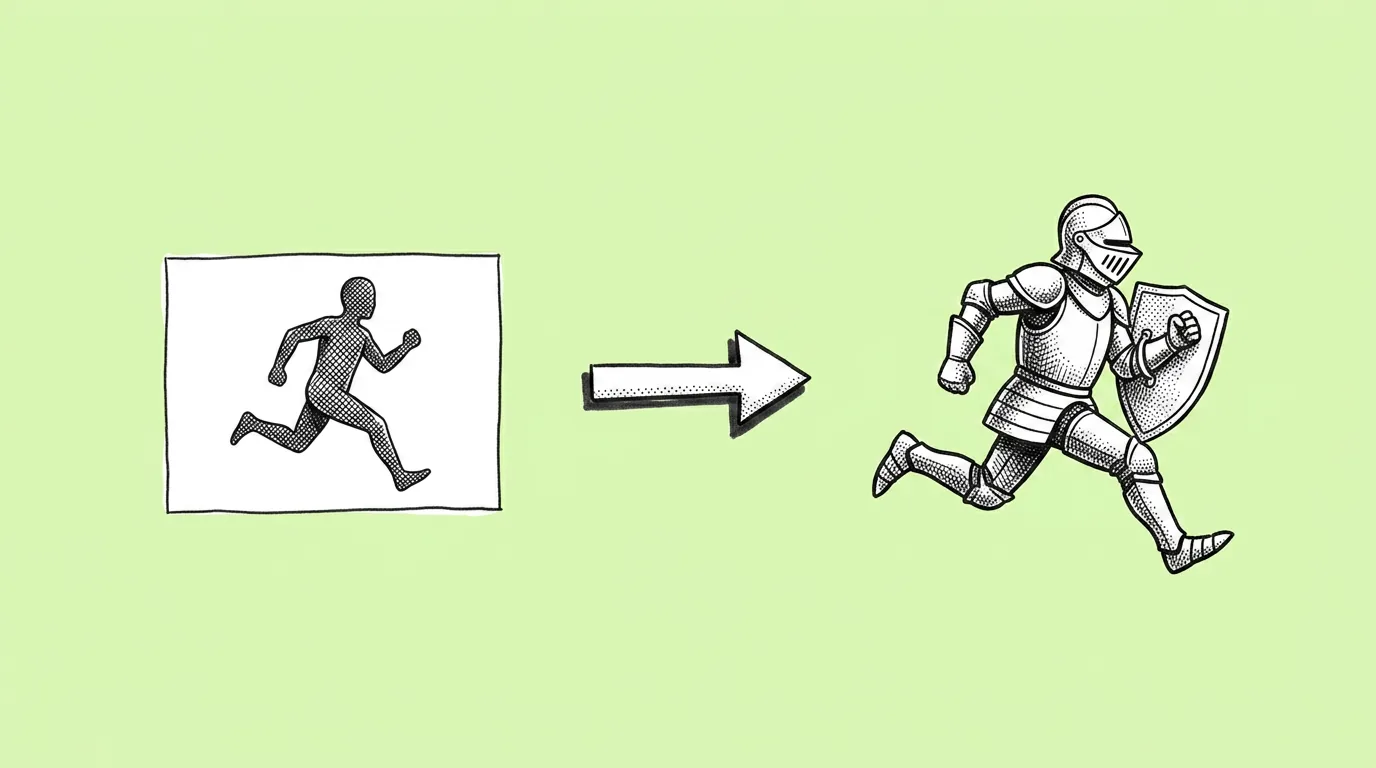
Two moments. First, right after a character is created: a richer set of poses teaches the agent what the character looks like from more angles, so every later generation gets more consistent. Second, whenever marketing or community needs the character doing something: stickers, emotes, store art, social posts.
What breaks, and how do you fix it?
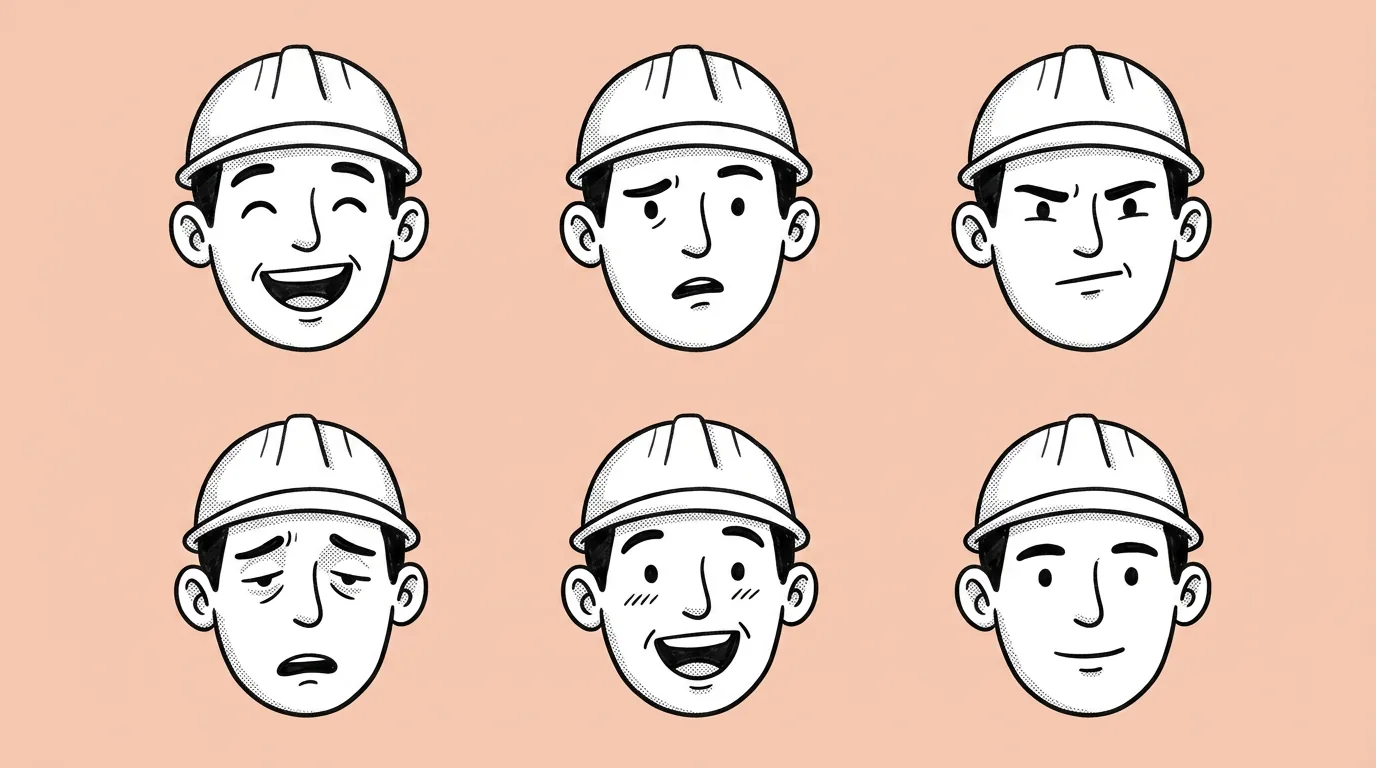
Anatomy breaks in dynamic poses. Outfit details drift from image to image. Expressions get exaggerated.
- Attach a reference. Don't rely on the name alone.
- List the exact poses. "Different poses" gives the model too much freedom.
- Ask for fewer per batch. Smaller batches stay on-model.
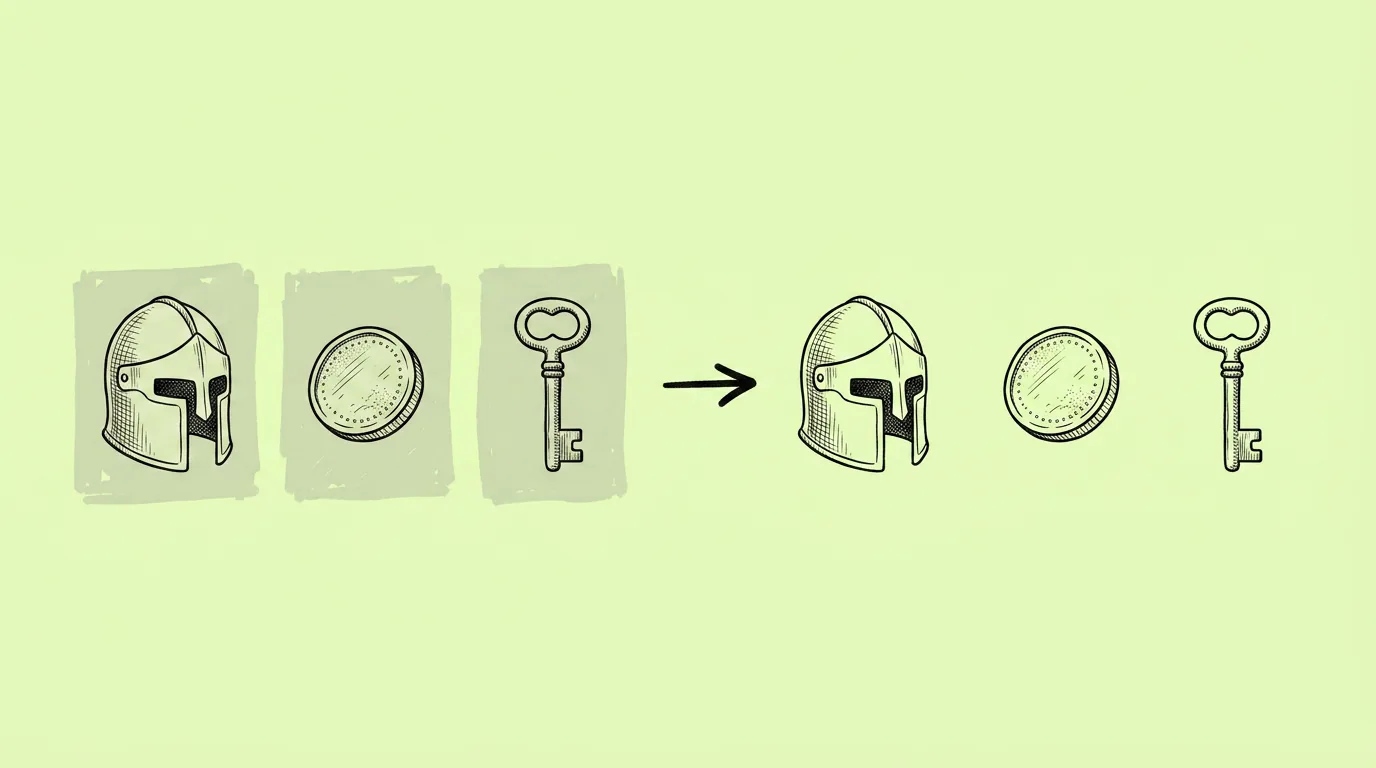
- Feed the winners back. Add the best results to the character so the agent learns it better next time.
Variations to try
Create eight sticker-style images of @[character], each a different pose and emotion, thick white outline, transparent-ready plain background.
Create six images of @[character] standing, from front, three-quarter and side views, neutral expression, plain gray background.
FAQ
Why a plain gray background?
+
It keeps the focus on the character and makes cut-outs clean. It's also the best input for adding images back to the character's dataset.
How does this make the character more consistent?
+
When you add the best results back to the character in Genie, the agent has more on-model examples to work from, so future scenes, outfits and poses drift less.
Can I control the camera angle too?
+
Yes. Add it per pose, for example "jumping, seen from a low angle".