What to attach
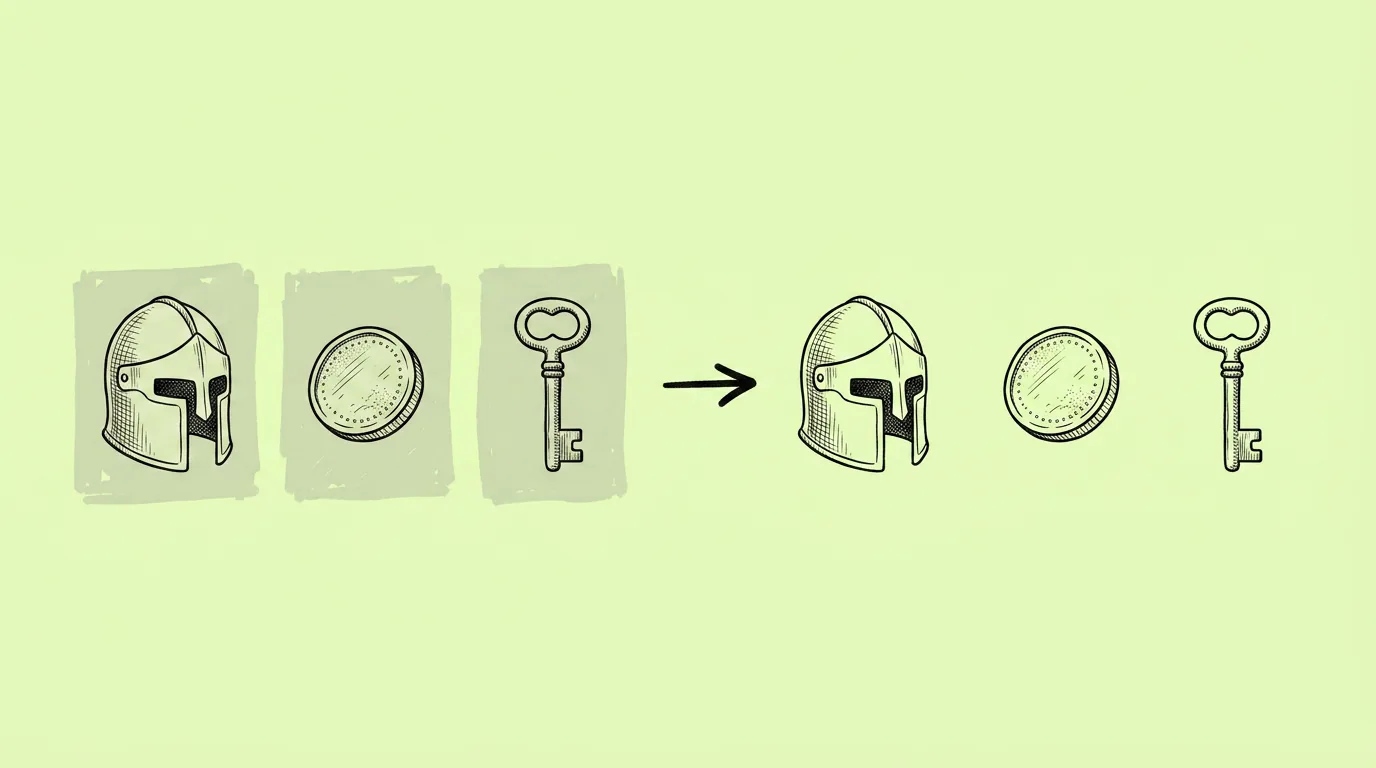
Up to 10 images. Assets generated on plain backgrounds cut out cleanest.
When do you use it?
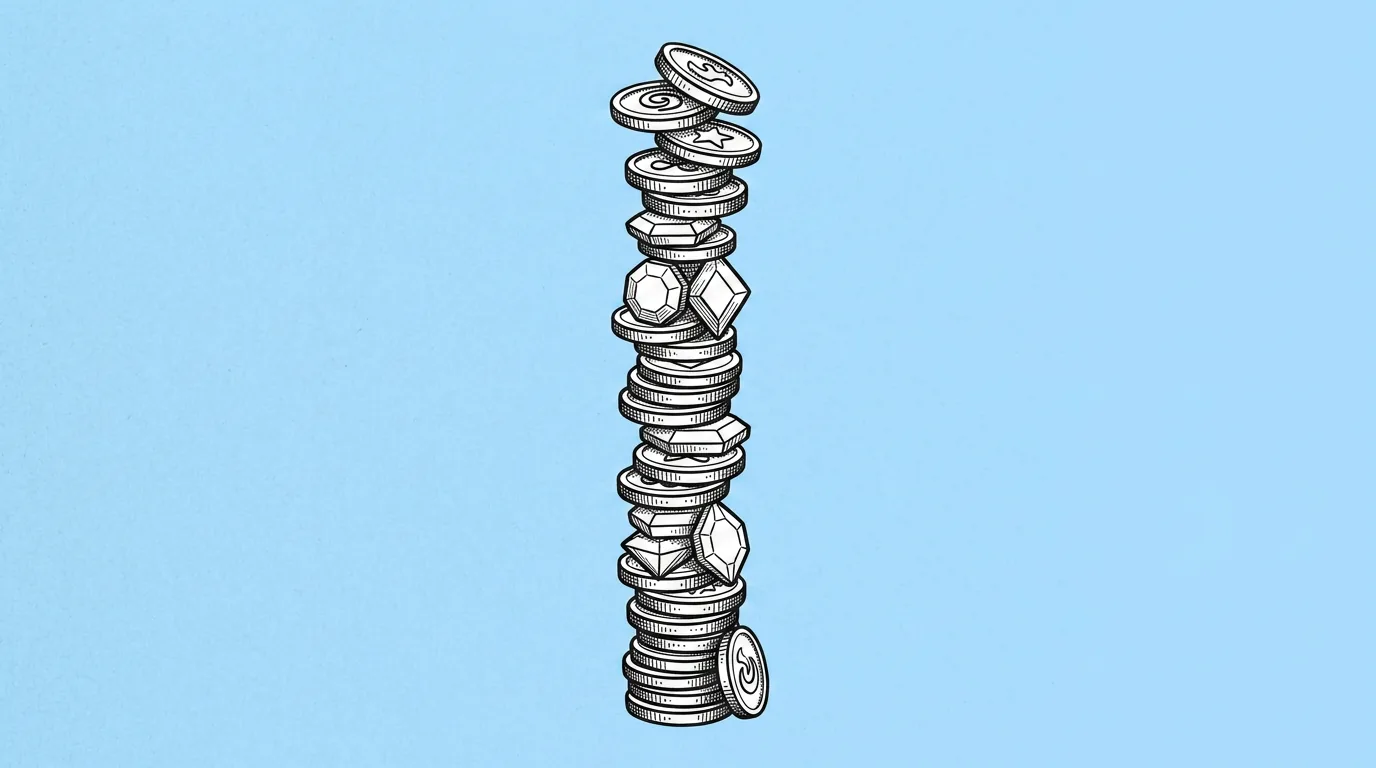
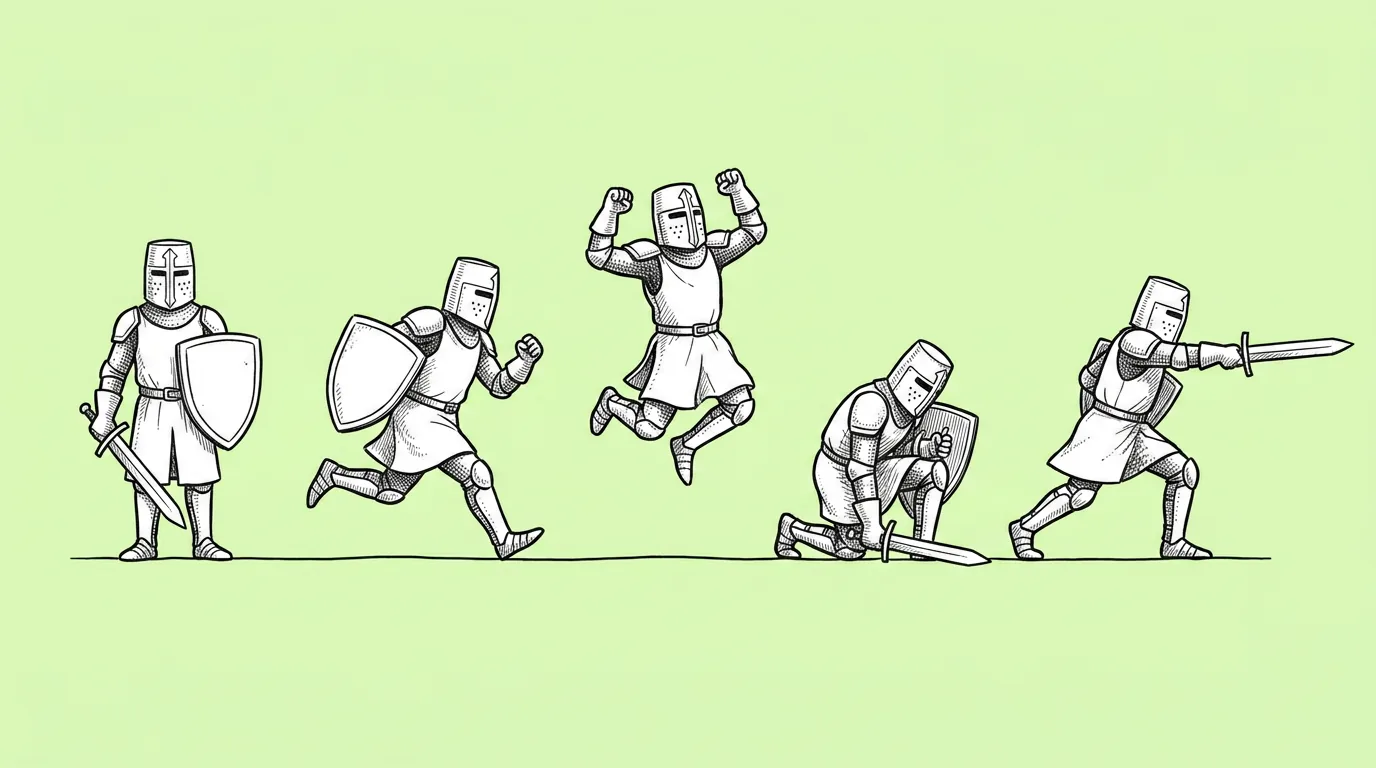
At the end of almost every asset set. A new icon set needs to go into the UI. A currency pile needs to sit on the store card. A character needs to stand on top of an ad. Cutting them out one by one is the kind of task that quietly eats an afternoon.
What breaks, and how do you fix it?
Fine edges like hair, fur, glow and particles get clipped. Semi-transparent effects disappear.
- Generate on plain backgrounds when you can. Many prompts in this library already ask for plain gray for exactly this reason.
- Check glow and particle effects before shipping. They're the most likely to be lost.
Which tool should you use?
For a single image, use one-click remove background on the canvas. For a batch, use this prompt through Genie's agent.
FAQ
How many images can I process at once?
+
Up to 10 per request.
What format do I get?
+
Images with a transparent background, ready to place in UI, store art or ads.
What about glowing or semi-transparent effects?
+
Check them by eye. If a glow gets cut, regenerate the asset on a plain dark background and try again, or keep the effect as a separate layer.