What to fill in
| Bracket | What to put | Example |
|---|---|---|
| [number] | How many icons. | 8 |
| [style] | Your game's style, picked with @. | @Kingdom UI style |
| [theme] | What the set is for. | "a pirate treasure event" |
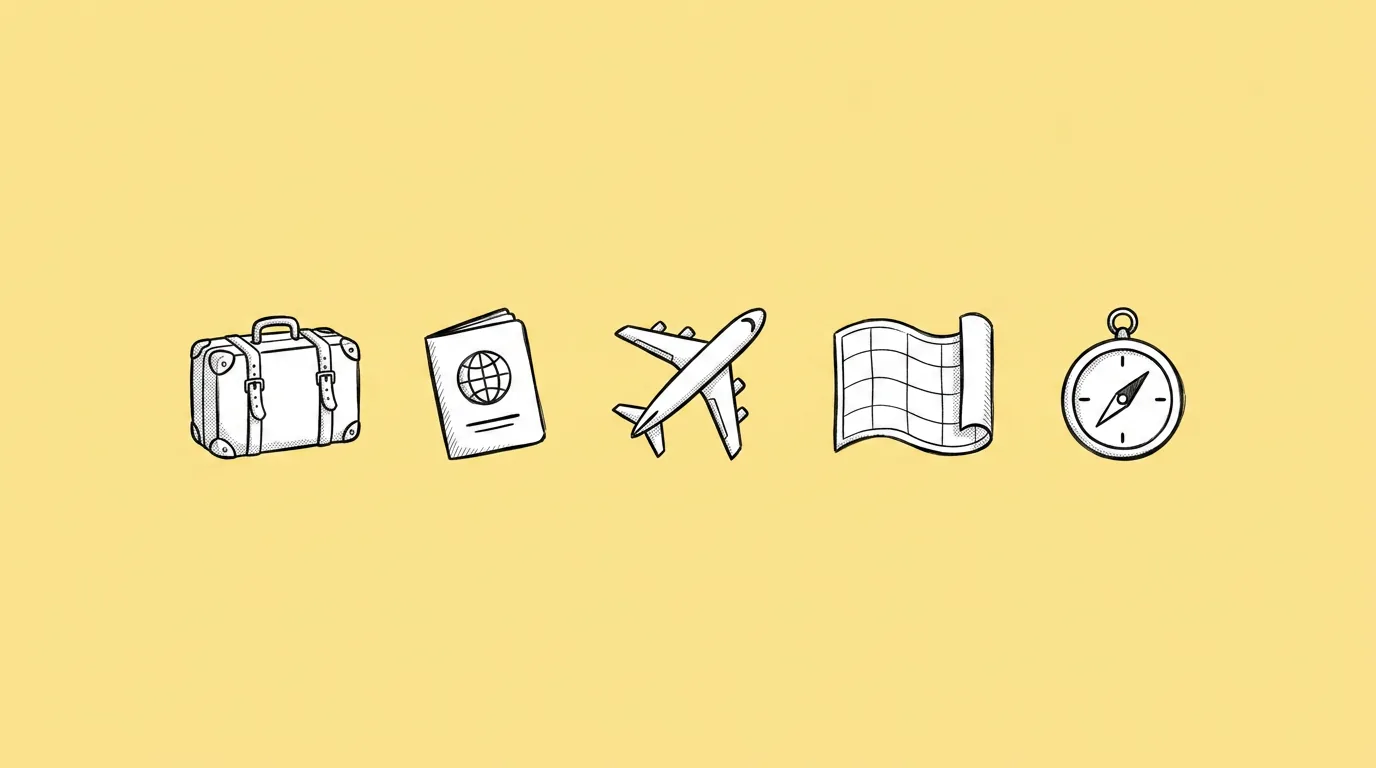
| [optional items] | The exact items, if you know them. | "compass, map, coin chest, rum barrel, spyglass, anchor, parrot feather, key" |
When do you use it?
Every event and feature comes with icons: rewards, boosters, shop items, inventory slots. They're small, there are a lot of them, and they need to match each other and the rest of the UI. Making them one by one is how a set ends up looking like it was drawn by four people.
What breaks, and how do you fix it?
The set doesn't read as one: perspective, outline and lighting vary from icon to icon, detail level jumps, and some icons become unreadable at small sizes.
- Pick the style with @. Your game's saved style beats a written description.
- Fix the angle and light source. "Three-quarter view, light from the upper left" for every icon.
- Check every icon at 64px. If it doesn't read there, it won't read in the shop.
- Save the set rules as a skill. The next event's icons match this one.
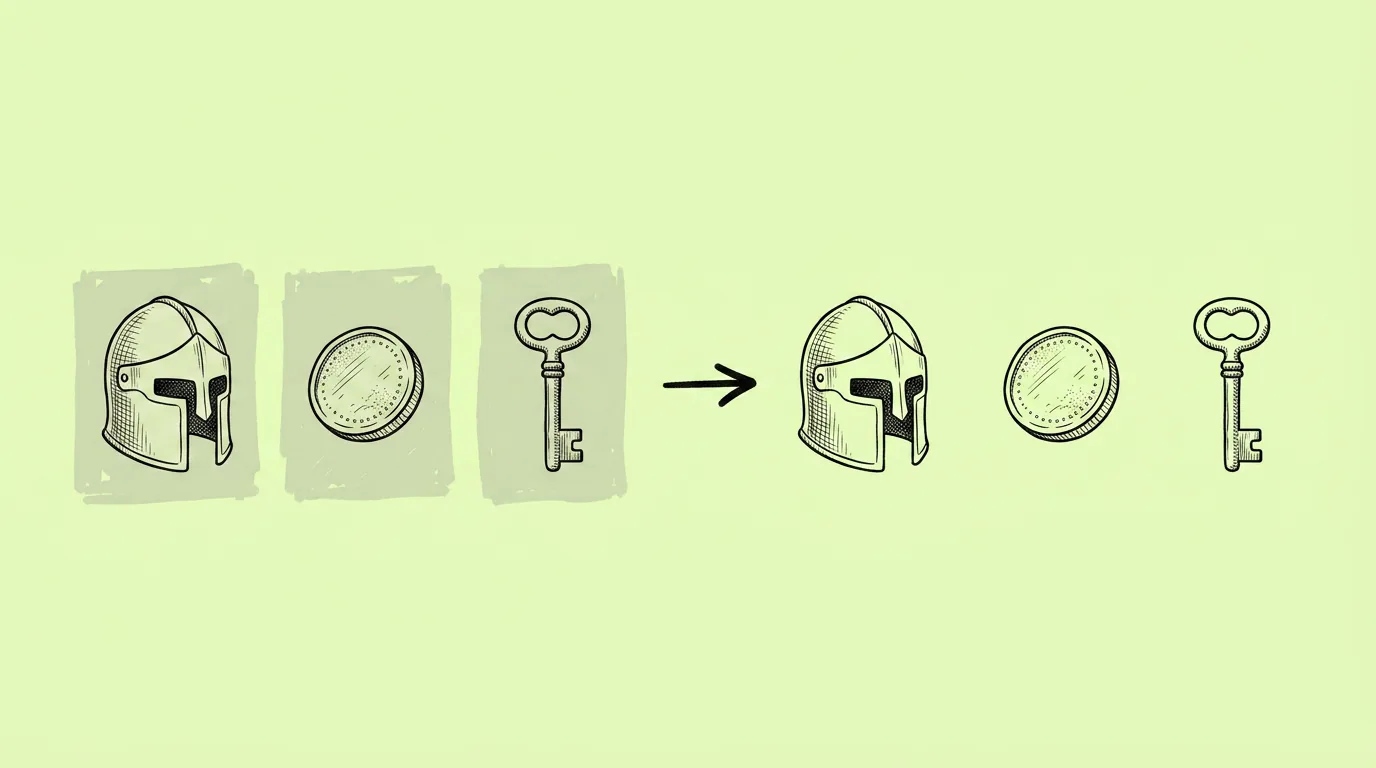
- Cut them out in one go with Batch remove background.
Variations to try
Create a set of six booster icons in @[style]: speed, shield, double coins, magnet, freeze, extra life. Same glossy material, same angle.
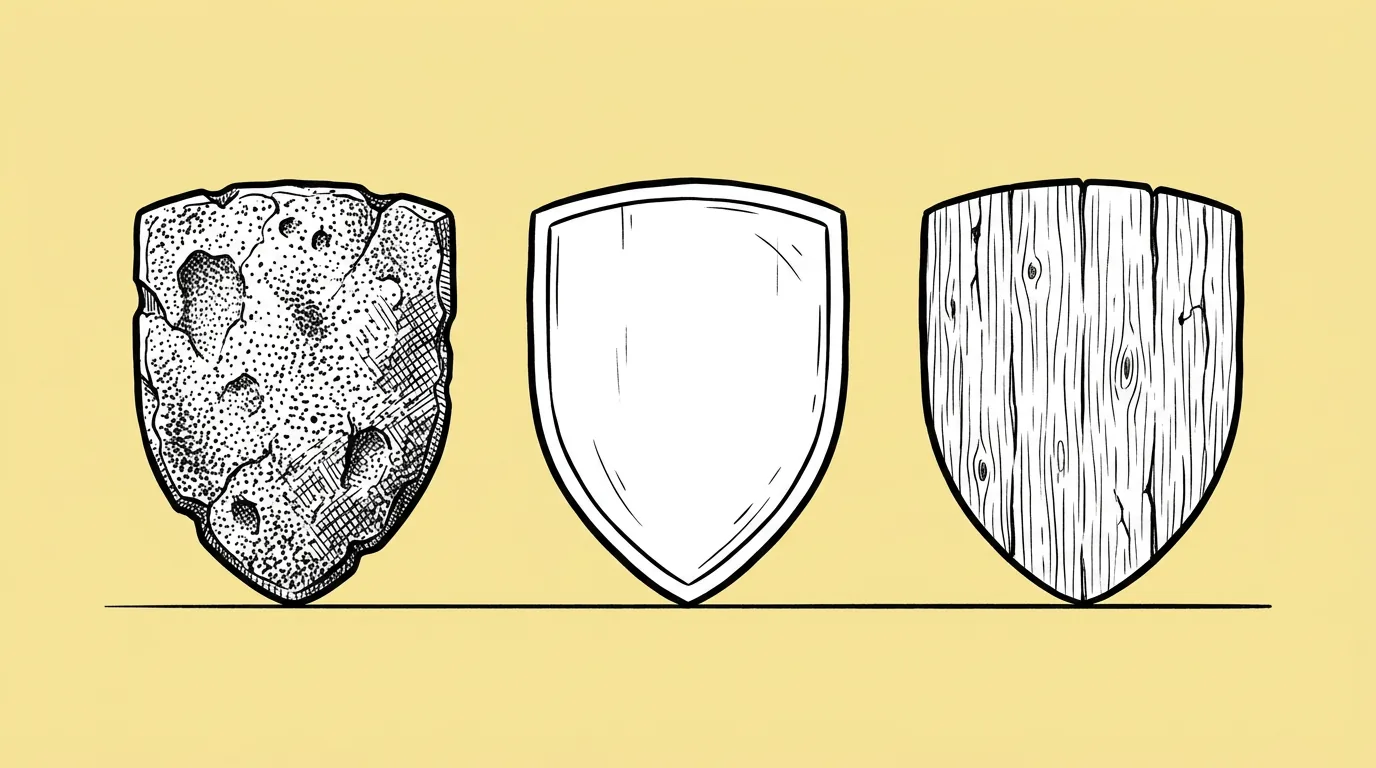
Create three versions of a treasure chest icon in @[style]: wood, silver and gold, same shape and angle.
FAQ
Why a plain gray background?
+
It keeps edges clean for cutting out, and neutral gray doesn't tint the icon's colors.
Can I match icons I already have?
+
Yes. Attach two or three existing icons as references and ask for new items in the same style.
Can I get vector icons?
+
Run the finished icons through the vectorize app for vectors that scale to any size.