What to fill in
| Bracket | What to put | Example |
|---|---|---|
| [number] | Four to six concepts fit one review. | 5 |
| [character name] | Call the character with @ and attach the base character. | @Rosa |
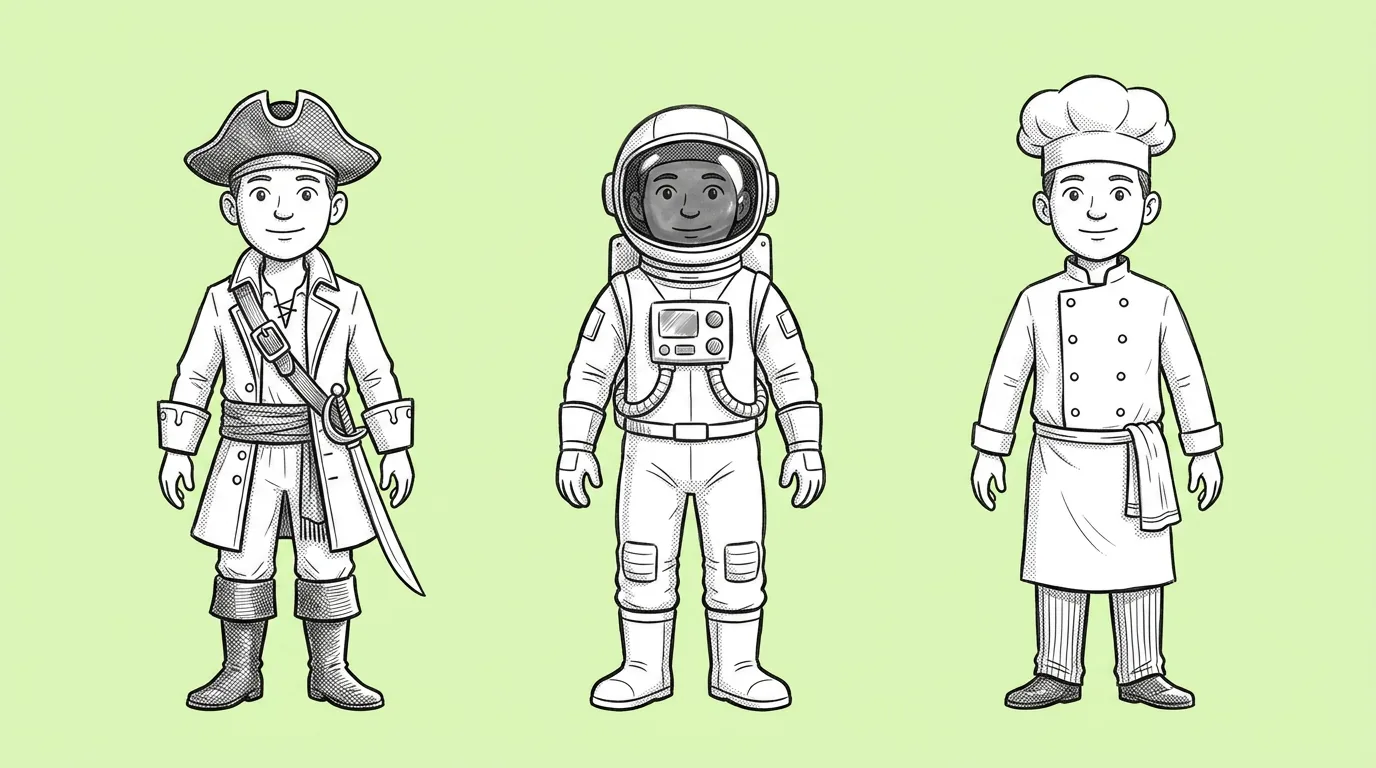
| [style direction or theme] | A theme, or a distinct direction per concept. | "one pirate, one cyber, one royal, one desert nomad, one deep sea" |
When do you use it?
At the start of a skin decision, before anything is final. The question in the room is "which direction?", and the answer depends on seeing options side by side. The faster those options exist, the more of them make it into the review, and the less the decision rests on one sketch.
What breaks, and how do you fix it?
Concepts come out too similar to each other. Or they lose the character's identity, so none of them feel like your game.
- Give each concept a distinct direction. Pirate, cyber, royal. Five variations of "fantasy" will look like one.
- Attach the base character. That keeps the silhouette recognizable across every concept.
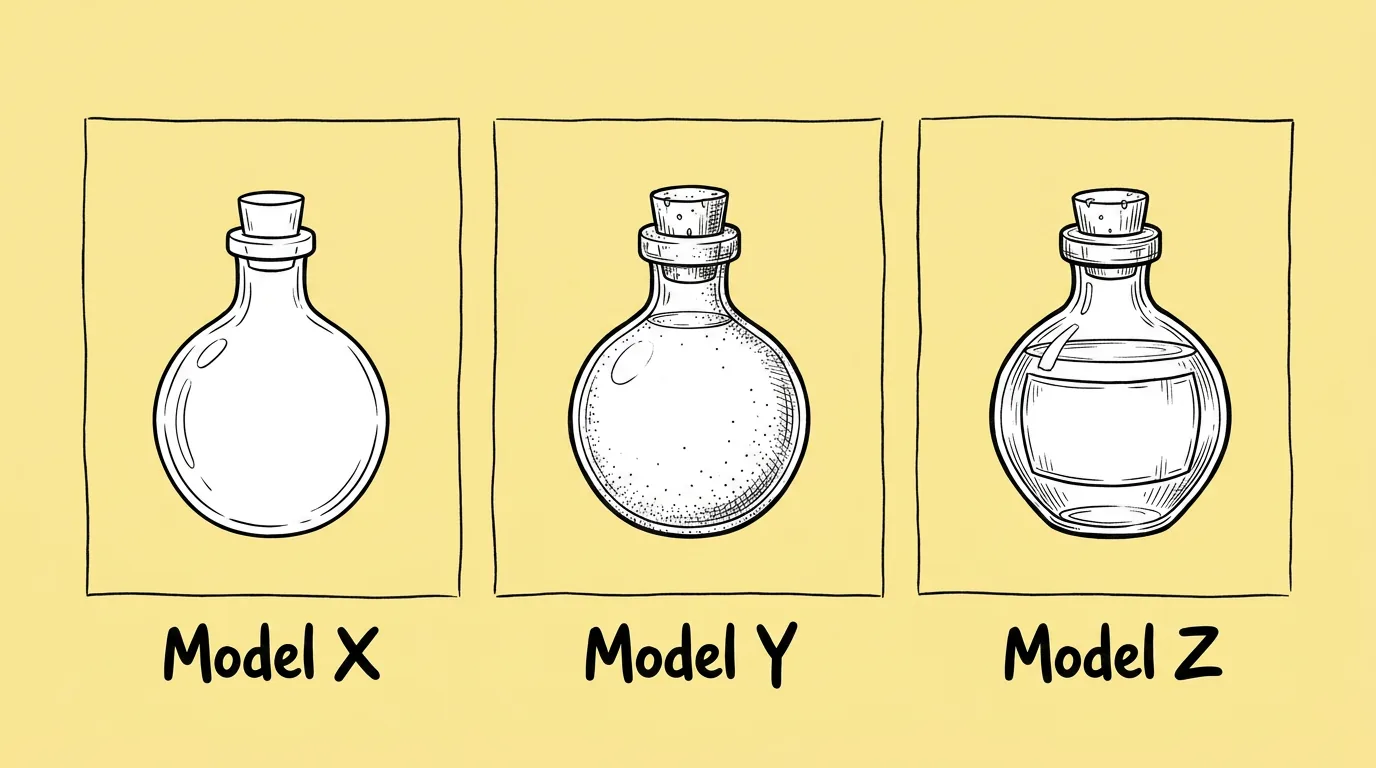
- Run it on two or three models. Different models bring different ideas, so you get more variety into the same review. Compare image models does this in one request.
Variations to try
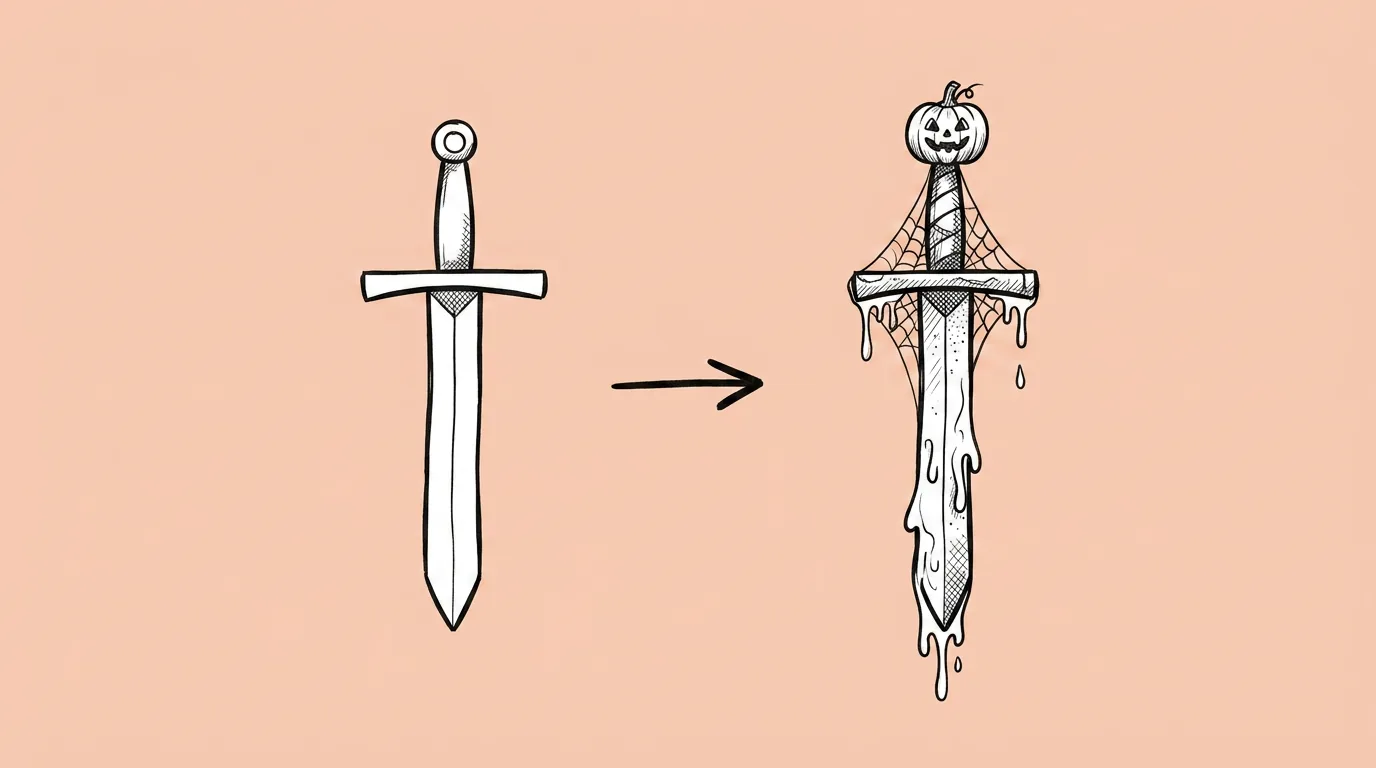
Generate four outfit concepts for @[character] for a battle pass: common, rare, epic and legendary, each more elaborate than the last, same theme.
Generate five outfit concepts for @[character] for a summer beach event, each a different take: surfer, lifeguard, tropical, retro, sporty.
FAQ
What's the difference from Outfit change?
+
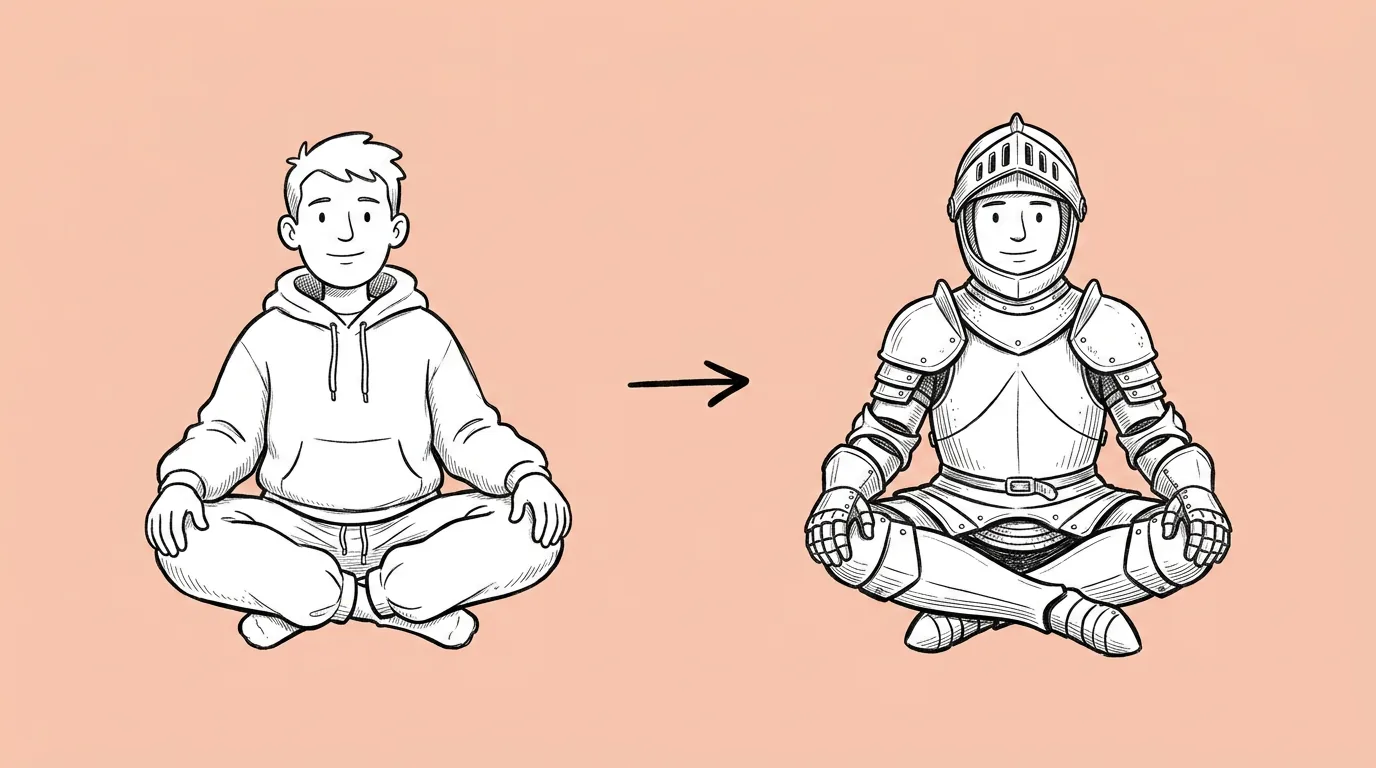
Outfits concepting explores many directions. Outfit change applies one chosen outfit to the character while keeping pose, face and background.
How do I keep the character recognizable?
+
Attach the base character and ask to keep the silhouette, face and colors that define them.
Can I use the concepts as final art?
+
They're concepts for a decision. Once a direction is picked, take it to final with Outfit change or your artists.