What to fill in
| Bracket | What to put | Example |
|---|---|---|
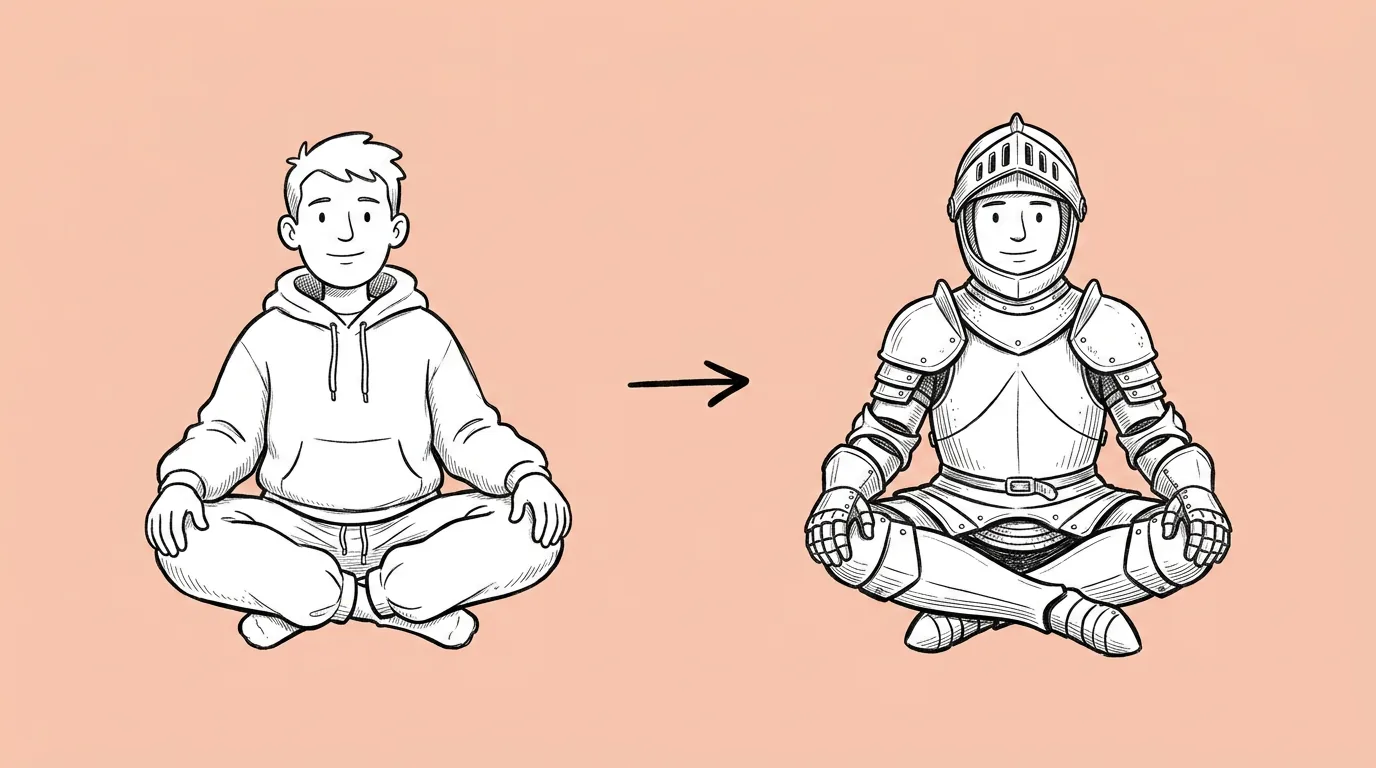
| [describe new outfit] | Material, color and the key pieces. | "a dark green velvet pirate coat with gold buttons, a red sash and black leather boots" |
When do you use it?
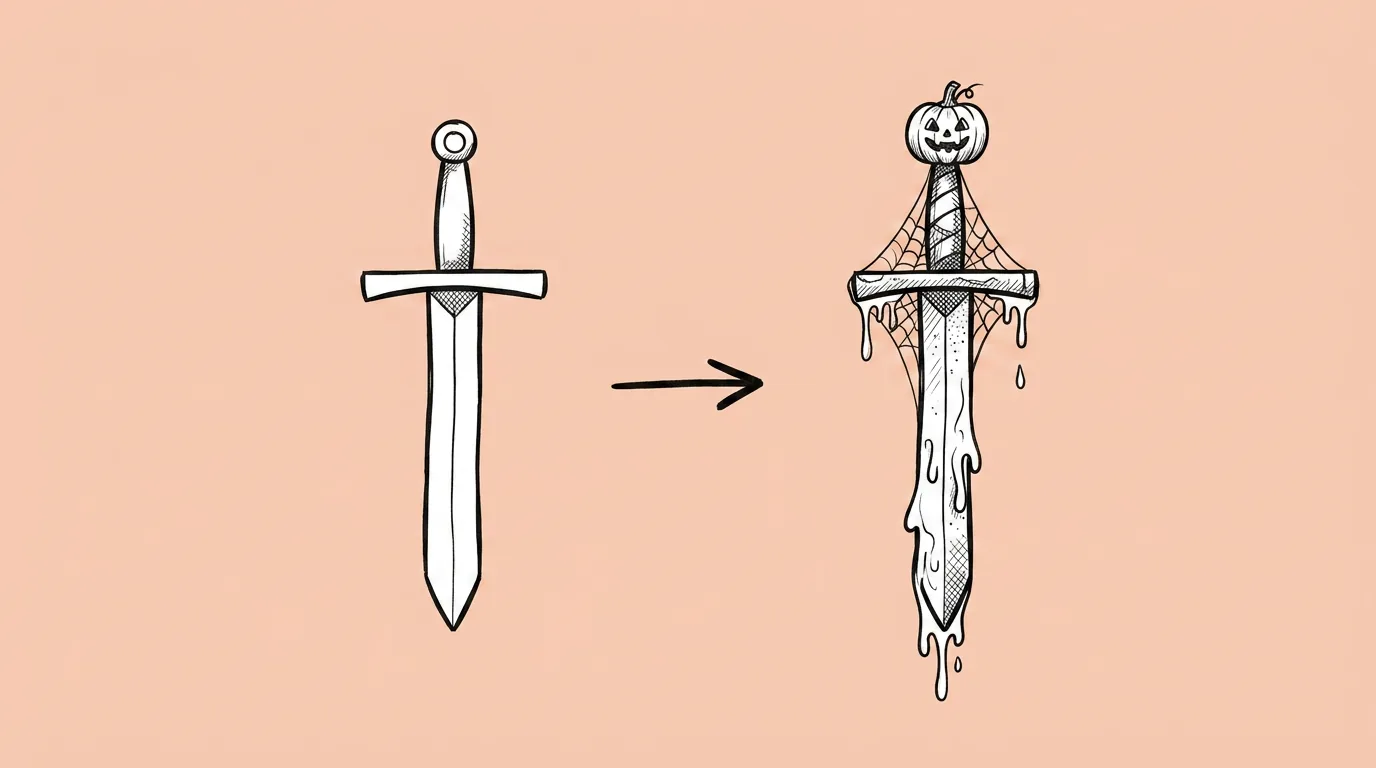
Whenever a skin decision is on the table. Should the Halloween costume be a vampire or a witch? What does the battle pass tier 50 reward look like on the hero? A preview on the real character, in the real pose, answers that in a review instead of after a week of illustration.
What breaks, and how do you fix it?
The pose, face or background shift along with the outfit. And outfit details come out generic.
- Describe the outfit specifically. Material, color, key pieces. "Pirate outfit" gets you a costume shop. "Green velvet coat with gold buttons" gets you a skin.
- Tell the agent everything else stays the same. The prompt already says it. Repeat it if the face changes.
- Ask for several outfits in one request. Preview a full skin line side by side.
Which tool should you use?
For a quick single swap, use Magic edit on the canvas. For several outfits at once, use Genie's agent.
Variations to try
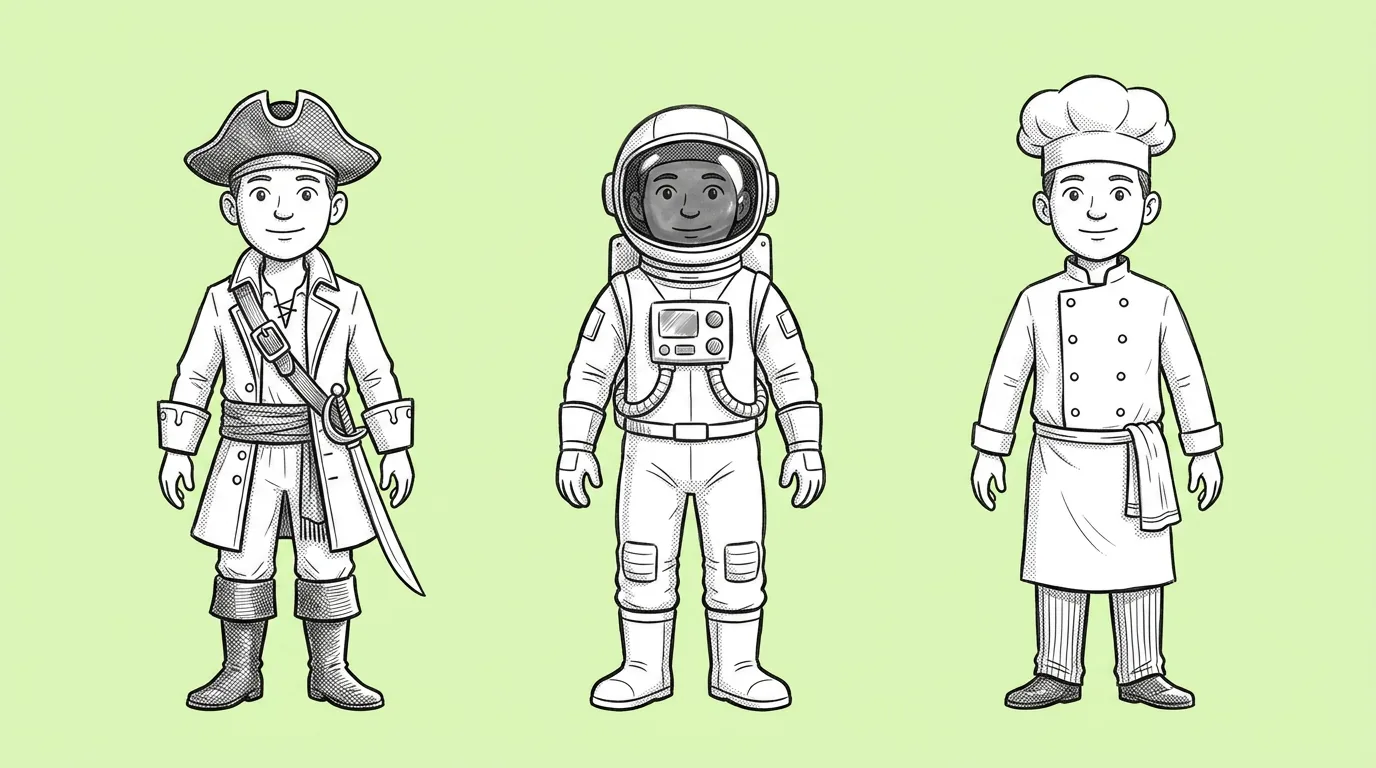
Using the attached reference, create four versions of the character in four outfits: knight, pirate, astronaut, chef. Keep pose, expression and background the same.
Using the attached reference, upgrade the outfit to a legendary version: same design, gold trim, glowing runes, a flowing cape.
FAQ
Is the result final art?
+
It's a preview on your real character. Many teams ship it for store and social. Treat in-game skins according to your own art bar.
Can I change only part of the outfit?
+
Yes. Name the part, for example "change only the hat to a crown", or use Magic edit on the canvas.
Does it work on trained characters?
+
Yes. Attach the reference or call the character with @, and the outfit changes on its saved look.