What to fill in
| Bracket | What to put | Example |
|---|---|---|
| [asset type] | The thing that upgrades (from scratch only). | "a fantasy blacksmith building" |
| [number] | Three to five steps for tight control. | 5 |
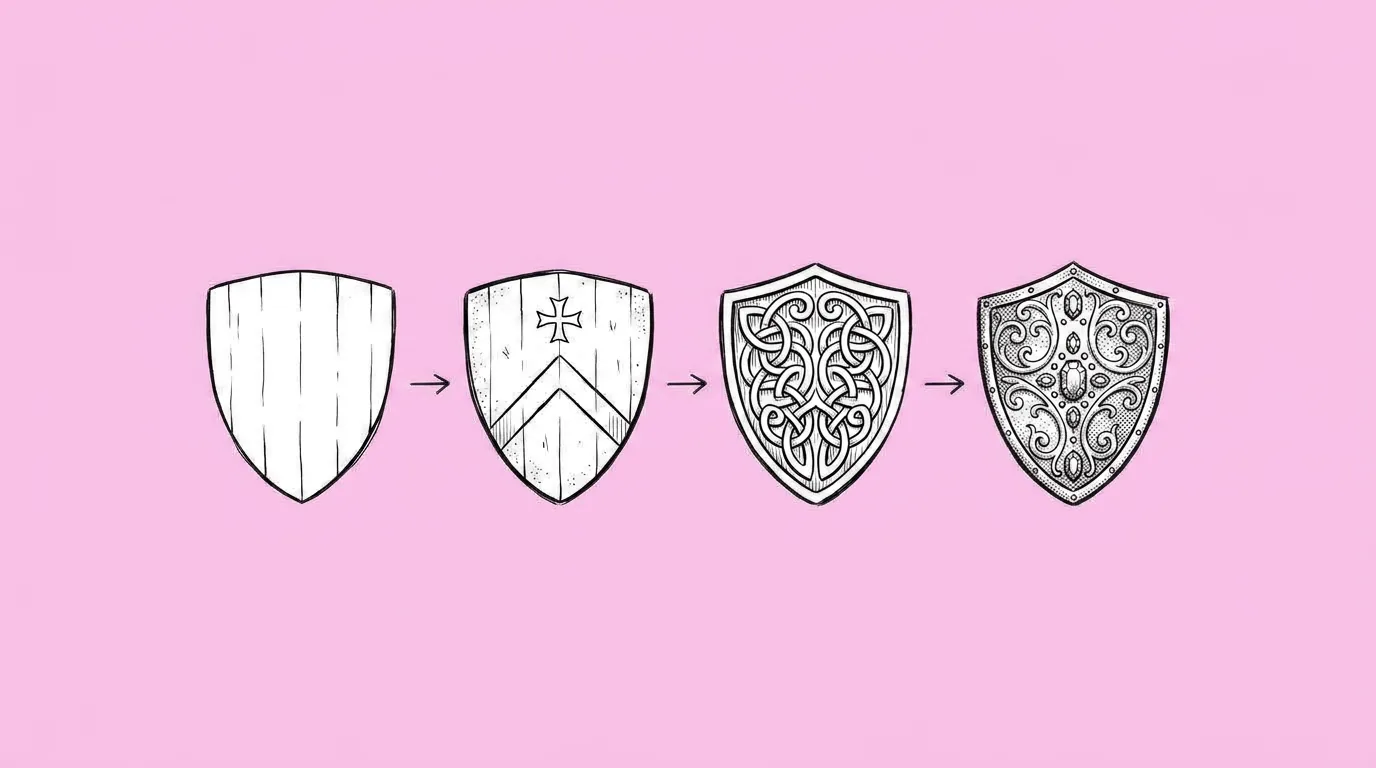
| [state A] to [state B] | A concrete start and end. | "a wooden shack with one anvil" to "a stone forge with a gold roof, two chimneys and glowing furnaces" |
Which version should you use?
Use from scratch when you're designing a new upgrade system and the tiers don't exist yet. Use from your own asset when the base asset already exists, a live building or a shipped pet, and you need its next tiers for an upgrade system or event. New tiers stay true to what players already know.
What breaks, and how do you fix it?
Steps don't escalate evenly, so there's one big jump between two stages. The design loses its identity by the last step. Camera or scale shifts between steps. And when you start from a reference, the first step drifts from it, so every step after drifts too, and later tiers get overloaded with detail.
- Start from a reference of the base state. On the canvas, click the in-game asset to add it as the reference.
- Say what changes at each step. Material, size, ornaments, glow. The agent will guide you through this if you ask.
- Lock the camera and background. Same angle and plain background across all steps.
- Describe the end state concretely, and ask for three to five steps.
- Test a couple of models on the first step. That's where drift starts. Compare image models helps.
Variations to try
Create a progression of the attached wall in four steps from intact to destroyed, same camera, cracks and debris increasing evenly.
Create a progression of the attached pet in three steps from baby to adult, keeping its colors and markings.
FAQ
How many steps can one request handle?
+
Three to five gives the cleanest control. For ten tiers, generate the first five, approve them, then continue from the last approved step.
How do I keep tiers evenly spaced?
+
List what changes at each step. Even escalation comes from a plan, not from the number alone.
Can it reverse, from upgraded to broken?
+
Yes. Set state A and state B the other way around.