What to fill in
| Bracket | What to put | Example |
|---|---|---|
| [number] | How many cards in this batch. | 9 |
| [theme, scene, or color palette] | Palette and lighting, spelled out. | "an enchanted night garden, deep teal and gold, soft glowing light from below" |
| [character/item/object] and [list] | What changes card to card. | "a different garden creature: firefly, owl, fox, hedgehog, moth, frog, rabbit, snail, bat" |
| [ratio] | Your card frame's ratio. | 3:4 |
When do you use it?
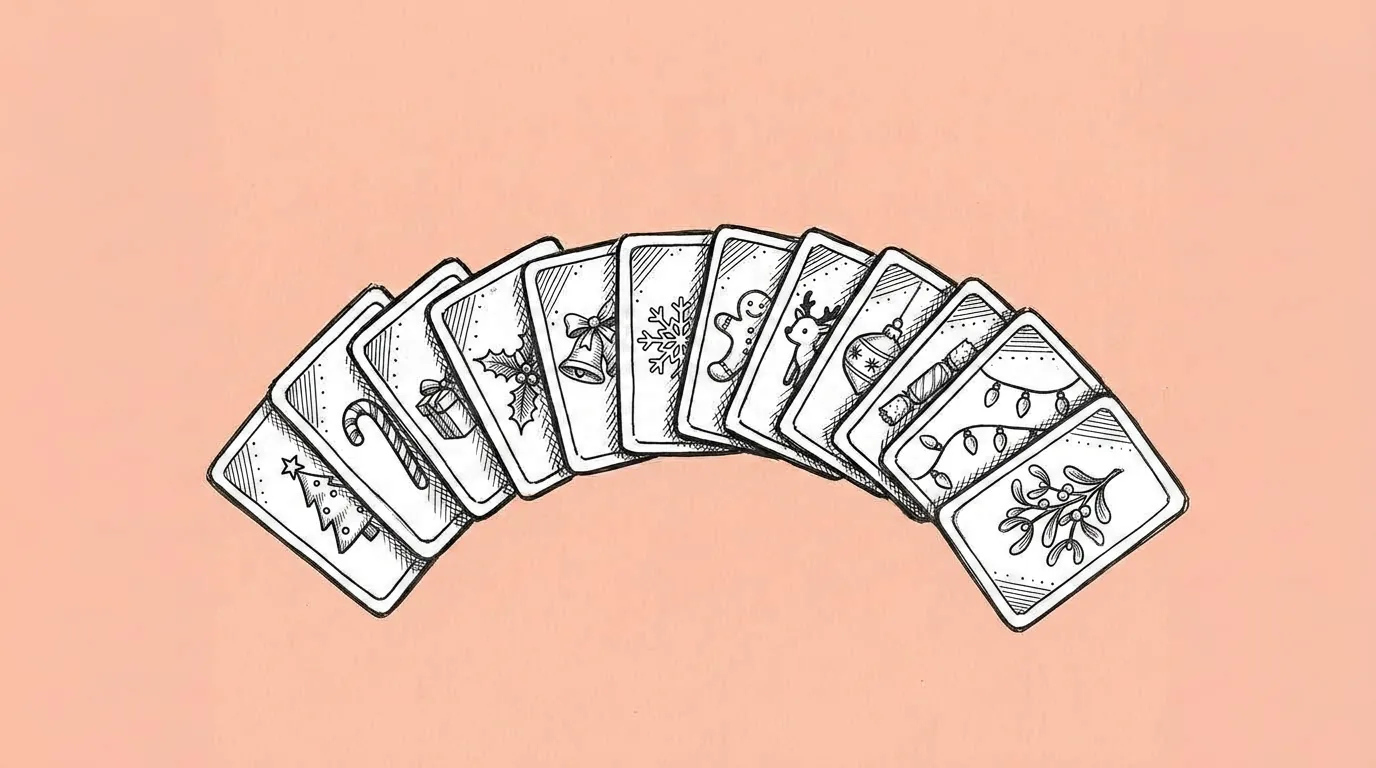
Card collection features are a LiveOps staple: a new album every few weeks, each with its own theme. They're also a lot of art. Twelve to twenty cards that must look like one set, delivered before the event goes live. That's exactly where a set prompt pays off.
What breaks, and how do you fix it?
The atmosphere drifts across the set. Later cards get less consistent than the first ones. Frames or text vary card to card.
- Spell out palette and lighting. "Deep teal and gold, light from below" holds a set together. "Magical" doesn't.
- Approve one card first. Then click it on the canvas to add it as the reference for the rest.
- Keep frames and UI out of the generation. Generate the art only and add the card frame in your UI, so every card frames the same.
- Save the album look as a skill. The next event's album starts from the same rules.
Variations to try
Create a set of 12 images in a cozy autumn village, warm amber light. Each image features a different character: @[A], @[B], @[C]... Use 3:4.
Create a set of nine images in the same underwater theme, three common, three rare with more glow, three legendary with gold accents.
FAQ
How many cards can I generate at once?
+
Batches of around nine stay consistent. For a 20-card album, approve the first card and run the rest in two batches with it as the reference.
Should the card frame be part of the image?
+
No. Keep frames, names and rarity badges in your UI. The art stays consistent and you can reuse the frame.
Can I use my own characters?
+
Yes. Call them with @ in the list.