
AI prompts for store, CRM and localization

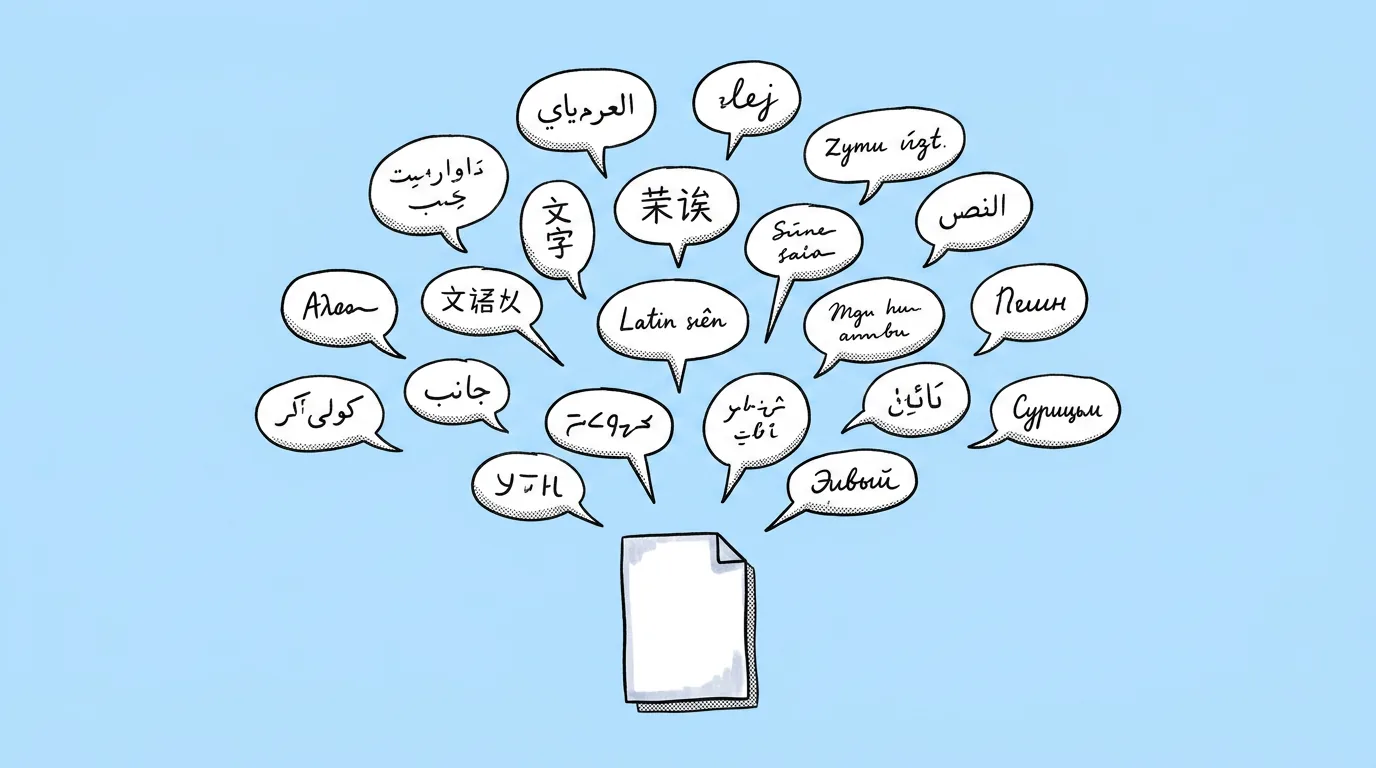
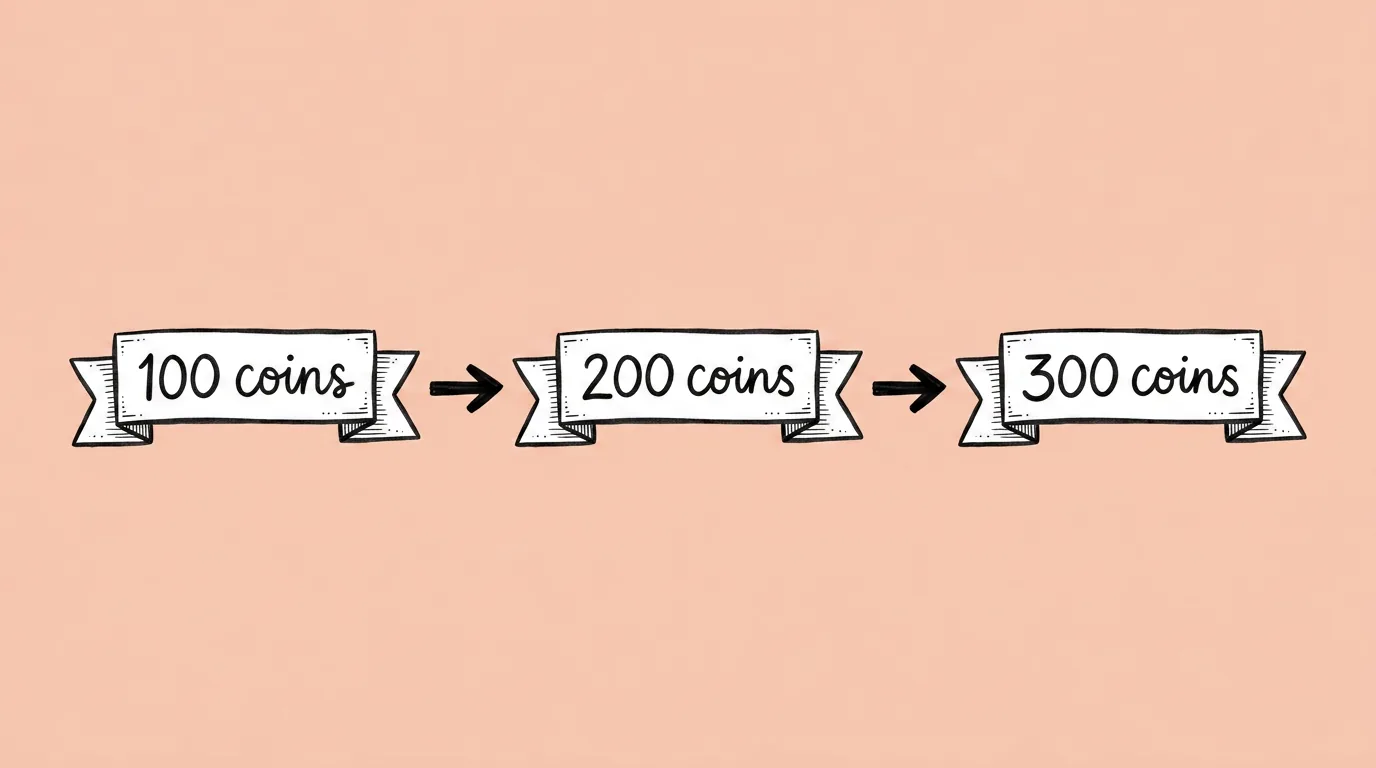
Store screenshots, CRM pop-ups and event banners have one thing in common: the art gets approved once, and then the text keeps changing. New languages, new copy tests, a late change from legal. These two prompts change the text and leave the design alone, so every market and every test goes live with the art you already signed off.
Drafts first, approved copy for anything that ships
Machine translation is great for seeing every market's version fast. Players should see the copy your localization team approved. Use the many-languages prompt for drafts, then the own-translation version for final assets, and save your do-not-translate terms as a skill.
Pairs well with
- Resize for every platform: every format, in every language.
- Add currencies to image: build the offer, then localize it.
Thanks, we'll be in touch.
A Genie expert will reach out to set up your demo.
Tell us about your studio
We'll use this to route you to the right Genie expert.
By submitting this form, you agree to receive product information from Genie. See our Privacy Statement.